
Creating Reports and Plots
After running a simulation in SIwave, you can analyze simulation results and create various exportable reports.
Report types differ based on the type of simulation, but include:
- 2D and 3D Plots
- Statistics
- Animated Reports
To view or export a report in SIwave:
- Run a simulation.
- Click Results.
- Use the drop-down menu for the simulation type you ran to select the option for viewing or exporting a report.
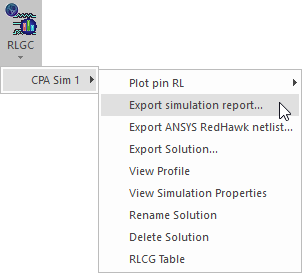
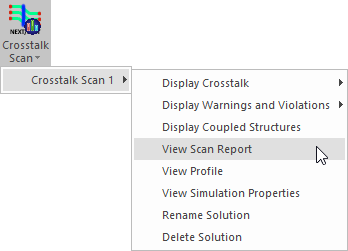
Alternatively, right-click a simulation in the Results window and select the option for viewing or exporting a report.
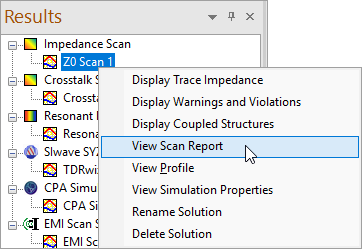
Information on reports for each simulation type can be found in Running a Simulation.
Note:
Some reports, such as SIwizard and TDRwizard reports, open in Ansys Electronics Desktop. These may take a few moments to load.