
Viewing SYZ Simulation Results
To view SYZ Sweep results:
- Click Results.
- From the SIwave area, select SYZ > [Simulation Name].
- Select the type of results you would like to view.
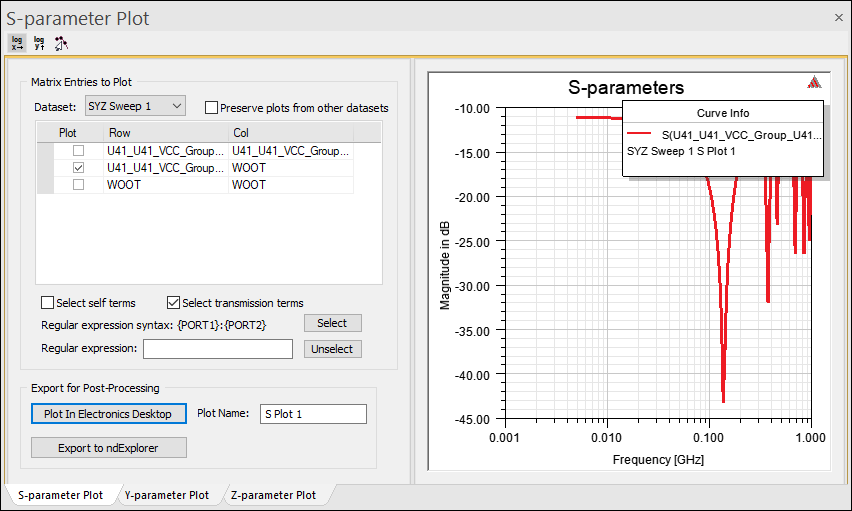
- Plot Magnitude – allows you to view a plot of S-, Y-, and Z- parameters. See: Plotting Magnitude.
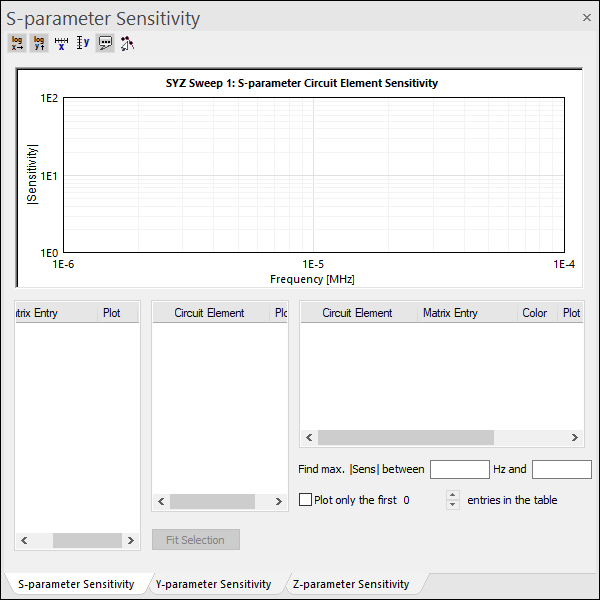
- Plot Sensitivity – allows you to view a plot of circuit element sensitivity.
- Compute Differential S-Parameters – allows you to view a differential plot of s-parameters. See: Computing Differential S-parameters.
- Compute FWS Sub-Circuit – allows you to compute and export a Full Wave SPICE (FWS) plot. See: Computing FWS sub-circuit .
- Compute RLGC - Sub-Circuit – allows you to derive RLGC information from the S-parameters. After you compute the RLGC matrices, you can export the RLGC subcircuit. See Computing RLGC Sub-Circuits.
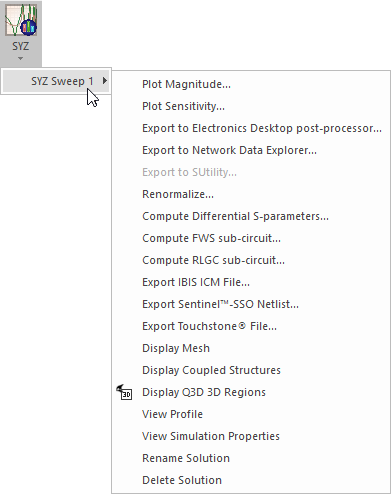
Result menu options include:
Plot Magnitude:
Plot Sensitivity:
From the SYZ Results menu, you can also access additional menu options and export SYZ simulation information.