
Viewing Crosstalk Scan Results in SIwave
To view the results of a crosstalk scan:
- Click Results.
- From the SIwave area, select Crosstalk Scan > [Simulation Name].
- Select the results you want to display.
- Display Crosstalk>Show Near End
- Display Crosstalk>Show Far End
- Display Warnings and Violations>Show Near End
- Display Warnings and Violations>Show Far End
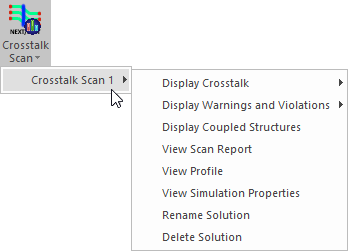
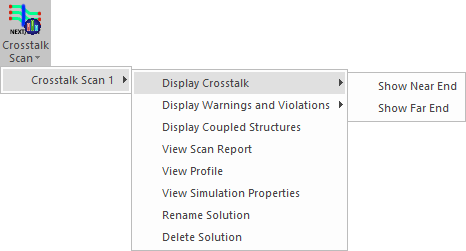
Result menu options include:
The applicable Trace Crosstalk window appears.
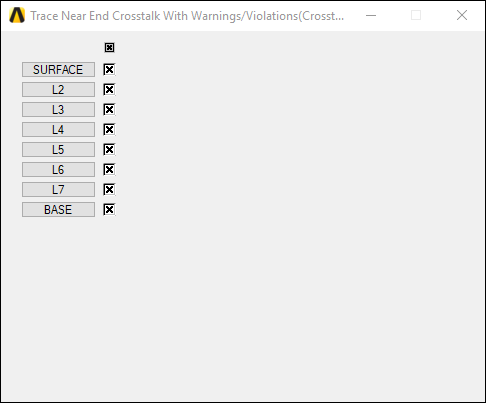
Use the check boxes to select layers on which to display crosstalk information.
Results display in the Modeling workspace. Hover the mouse pointer over a trace section in the layout. Crosstalk coefficients are overlaid on top of the layouts.
Warnings and Violations are indicated by color overlays. Traces within threshold are green, those with a warning are orange, those with a violation are red, and those belonging to differential but that are not coupled appear gray.
From the Crosstalk Scan Results menu, you can also access additional menu options.