
Viewing Frequency Sweep Results
To view frequency sweep results:
- Click Results.
- From the SIwave area, select Frequency Sweep > [Simulation Name].
- Select the type of results you would like to view.
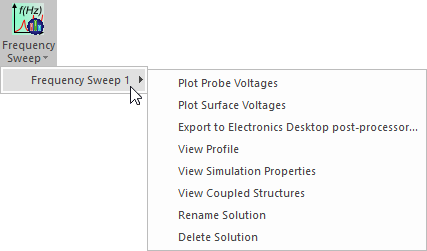
Result options include:
- Plot Probe Voltages
- Plot Surface Voltages
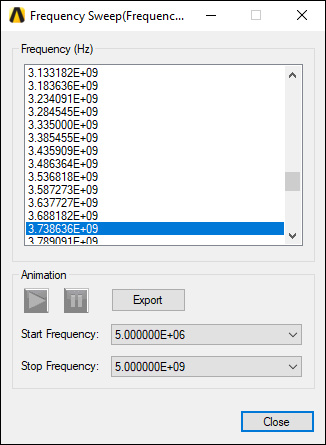
Results display in the Modeling workspace, and a results window appears. Click a frequency to view it. You can also export a frequency sweep animation.
From the results menu, you can also access additional Frequency Sweep options.