
Viewing CPA RLGC Simulation Results
After running an RLGC simulation, you can view and export the results:
- Click Results.
- From the CPA area, select RLGC > [Simulation Name].
- Plot Pin RL – updates the Modeling workspace to display a color map of pin or pin group resistance, partial inductance, or loop inductance.
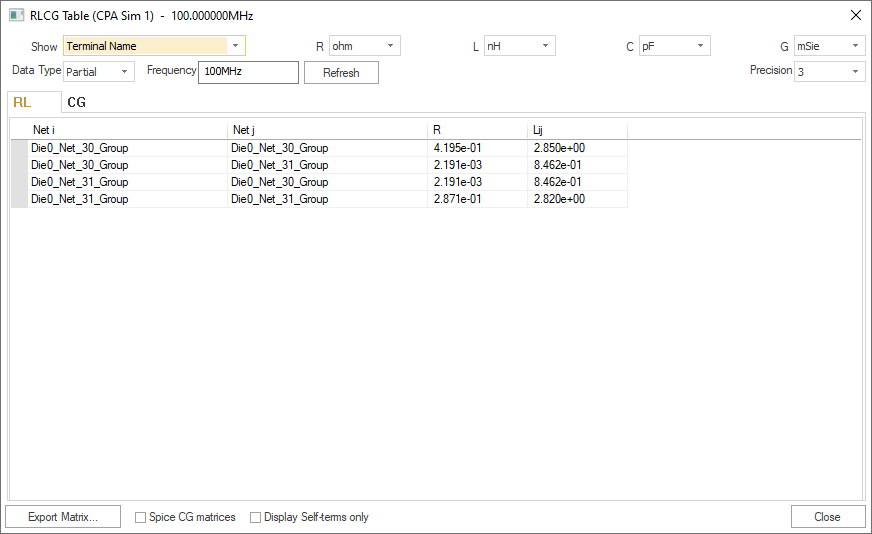
- RLCG Table – opens the RLCG Matrices window, where you can view RLCG values for terminals and nets.
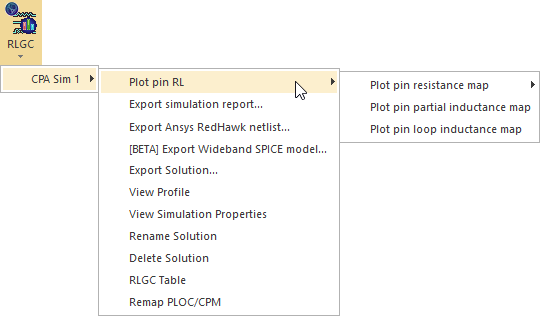
Result options include:
Plot Pin RL:
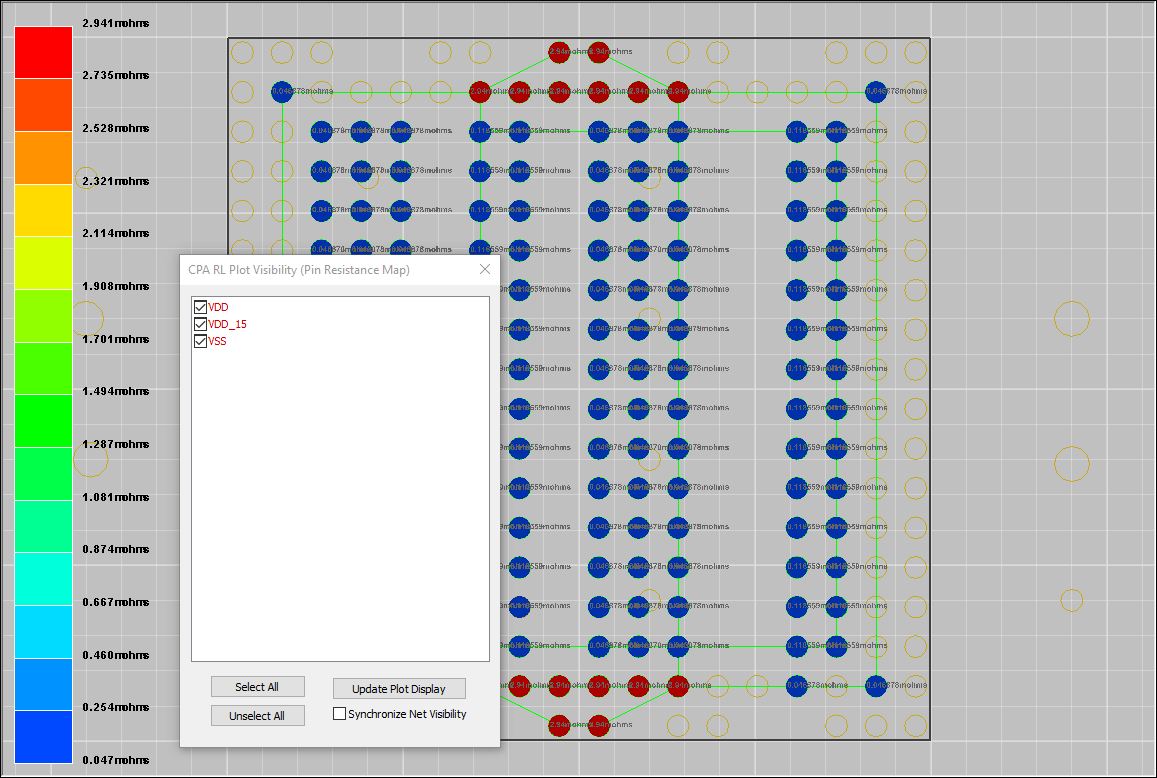
When viewing the RL plot, right-clicking any color band populates the Info / Errors / Warnings pane with a list of nodes in that range:
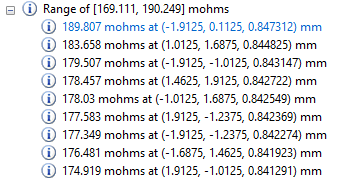
Clicking any node will zoom the Modeling workspace to that node.
RLCG Table:
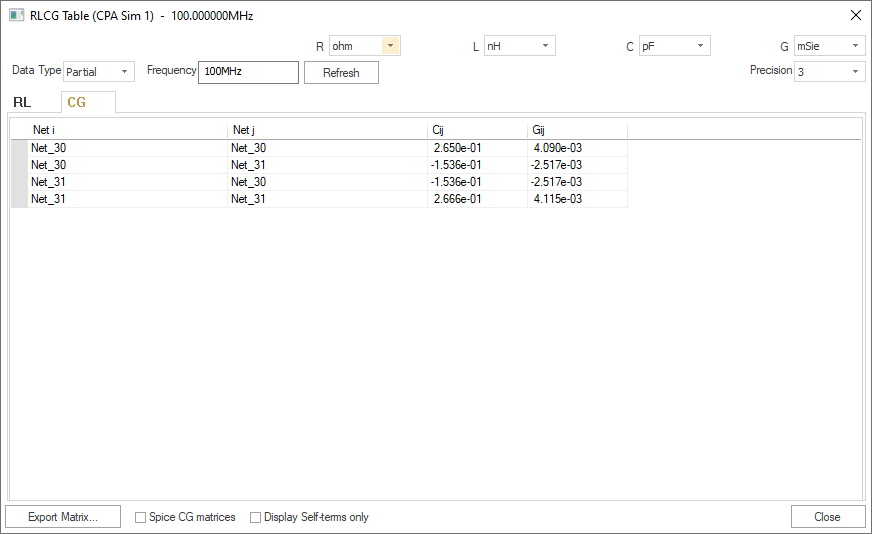
The RLCG Table contains two tabs, one for RL and one for CG.
|
- On the RL tab, you can choose to Show by either Terminal Name or Net Name.
- On the CG tab, entries are always net-based.
- For either tab, use the R, L, C, and G drop-down menus to adjust units; the Precision drop-down menu to select a precision value; the Data Type drop-down menu to select Partial or Loop; and the Frequency field to adjust frequency (you will need to click Refresh).
If you selected Ground P/G nets for SI Extraction in the CPA Simulation Setup, a reminder note appears at the top of the window:

From the RLGC Results Menu, you can also export the solution or access additional menu options.