Running EMI Scanner
Ansys EMI Scanner identifies design issues that might result in electromagnetic interference problems during operation. Such problems can stem from a compromised power delivery network or from improperly shielded signal nets. This feature, which is based on geometric rule checks, scans complete layouts quickly and can be used to identify subsections of the design requiring more rigorous analysis using the SIwave or HFSS finite element-based solvers.
To launch EMI scanner:
- Click Simulation > EMI Scanner.

The Ansys EMI Scanner window appears, on the Rules tab.
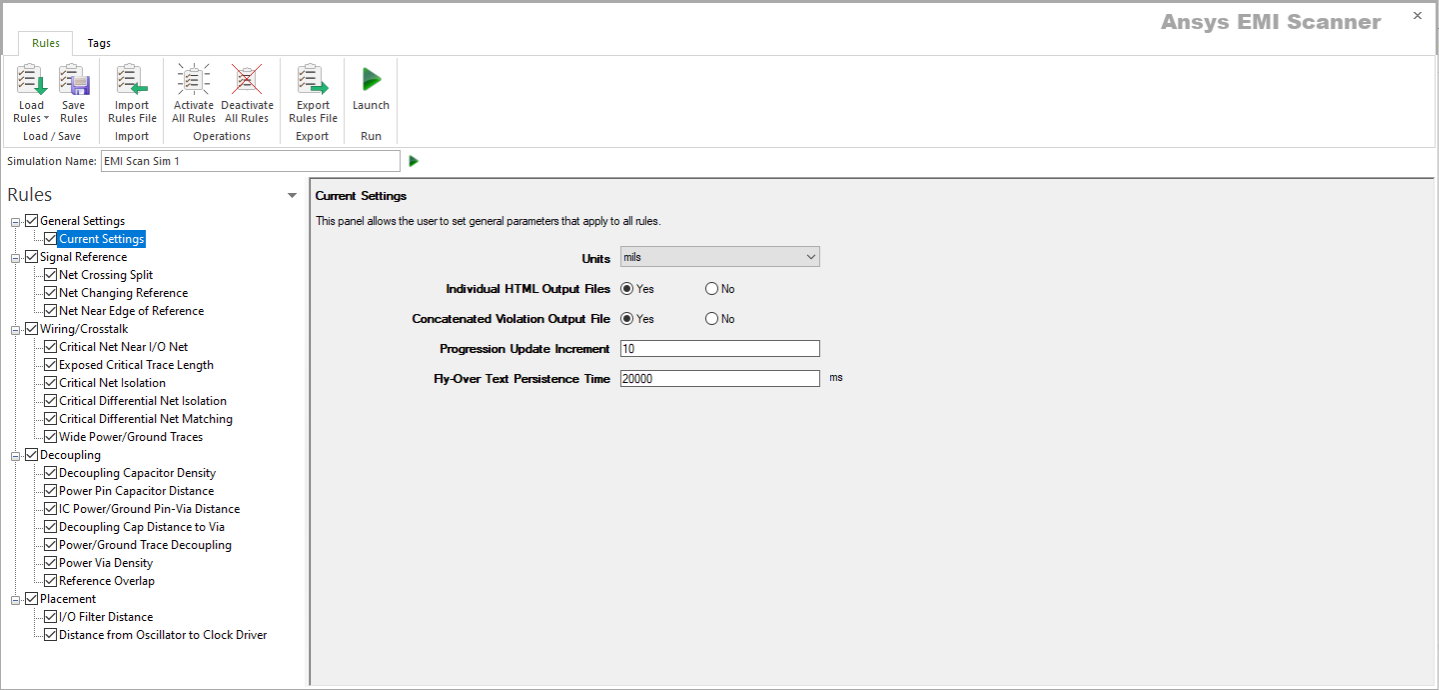
- If appropriate, use the Simulation Name field to rename the scan.
- Set rules, as appropriate.
- Select the Tags tab.
The Tags tab displays.
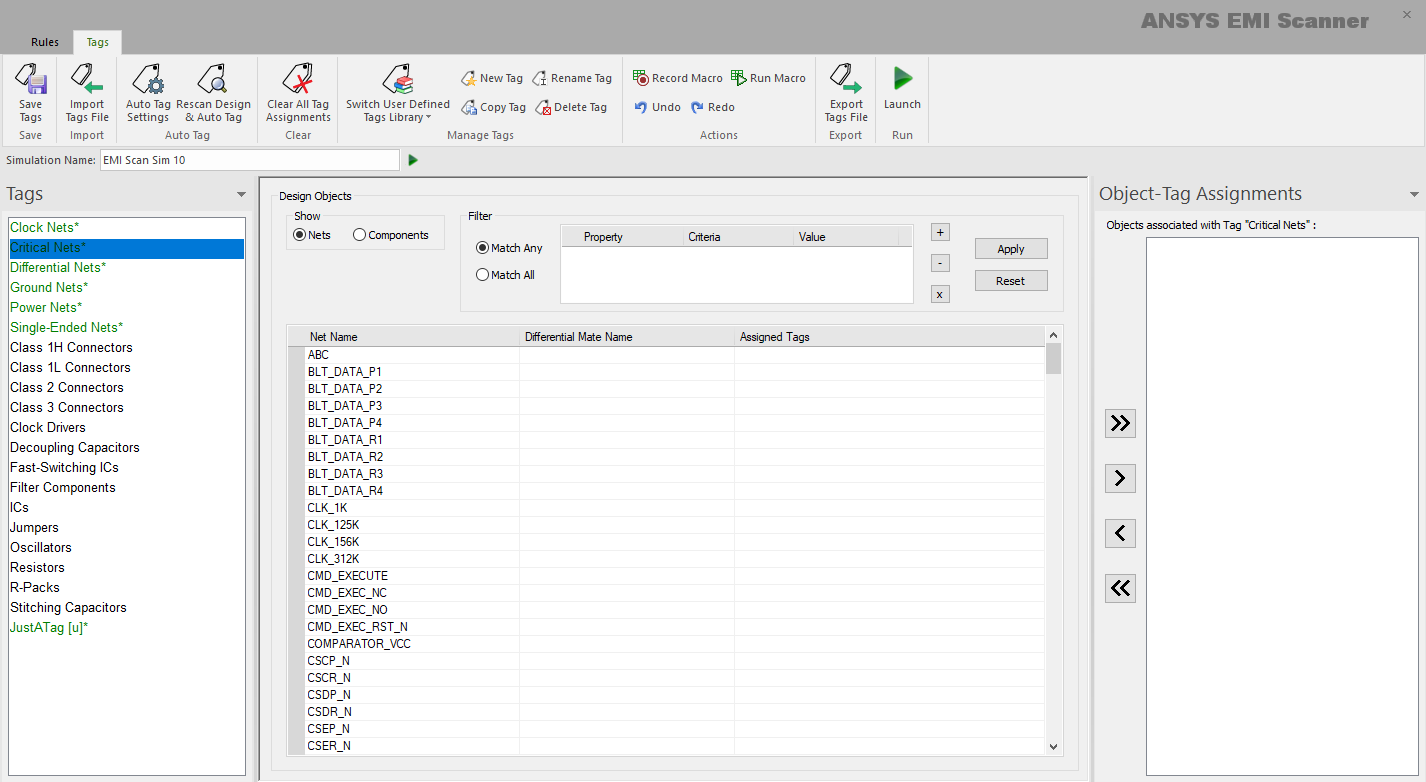
- Assign tags, as appropriate.
- Click Launch.
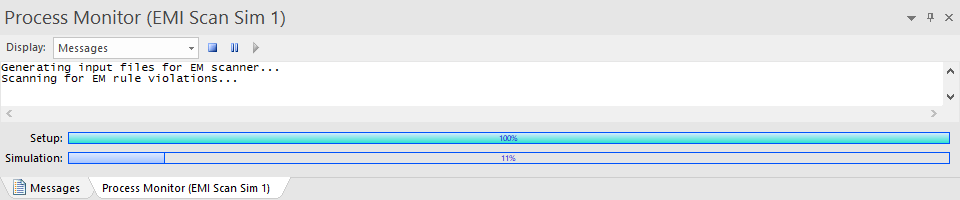
The Messages window updates to show EMI Scanner progress.