
Applying EMI Scanner General Settings
To change EMI Scanner General Settings:
- Launch EMI Scanner.
The EMI Scanner window appears, on the Rules tab.
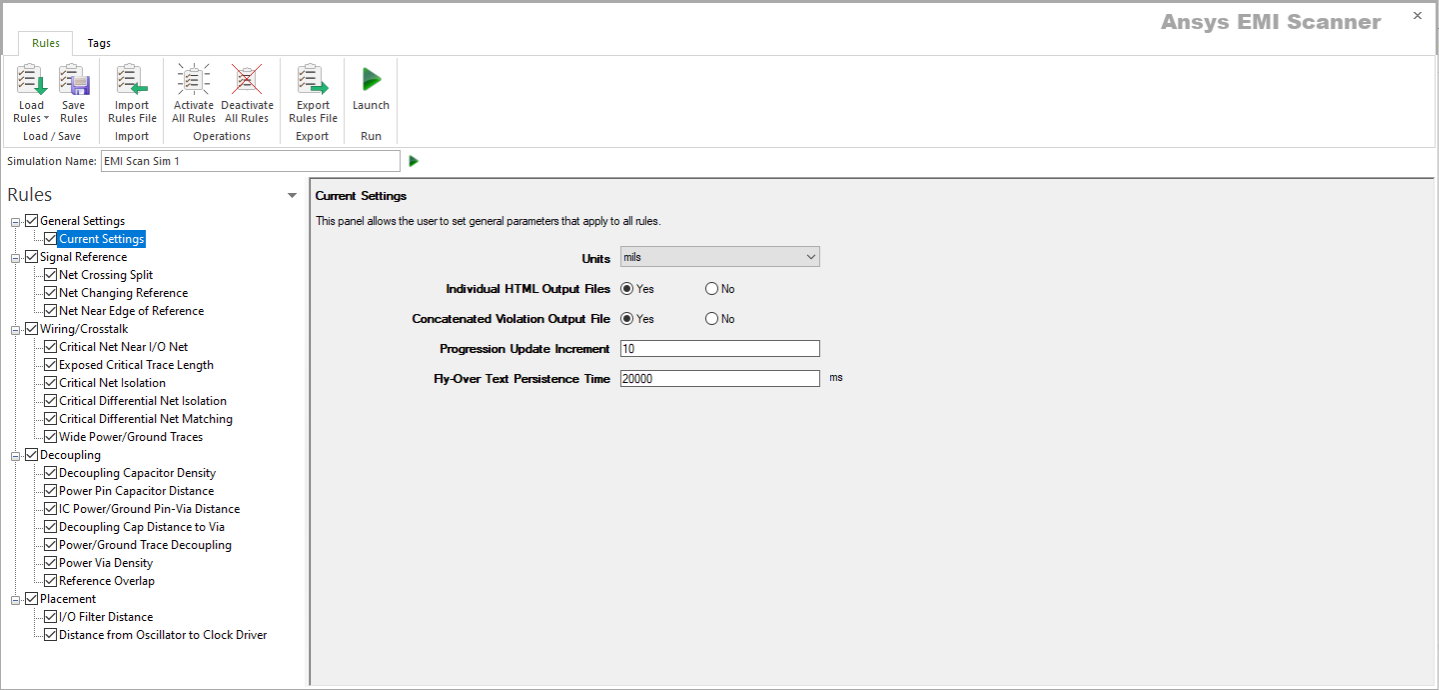
- The Current Settings display by default. If they do not, in the Rules pane, select General Settings > Current Settings.
The Current Settings display.
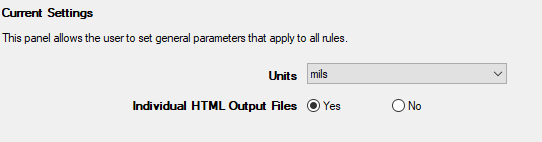
- From this screen, you can set the following:
- Units – selects the unit in which other rules are measured.
- Individual HTML Output Files – selects whether to export EMI Scanner results as one large, combined HTML file or as individual HTML files. See Exporting EMI Scanner Results.
- Rules are automatically saved for the current EMI scan. To save them for a future scan, click Save Rules.