
Exporting EMI Scanner Results
EMI Scanner can export an HTML report with or without images.
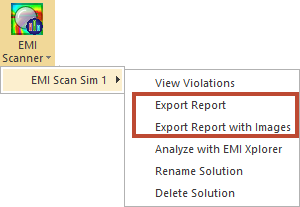
To export EMI Scanner results, click one of the following:
- Results > EMI Scanner > [Simulation Name] > Export Report.
- Results > EMI Scanner > [Simulation Name] > Export Report with Images.
An HTML report opens in your default Internet browser.
HTML Report without Images
The HTML report without images displays a list of rules that were analyzed:
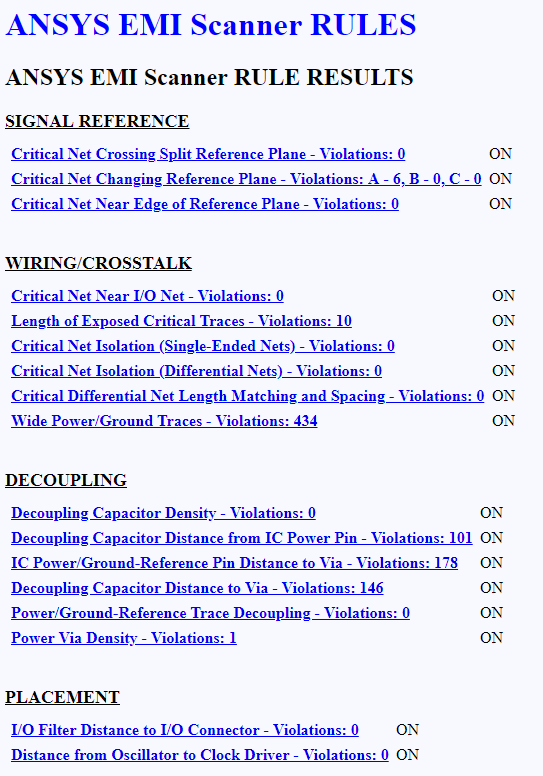
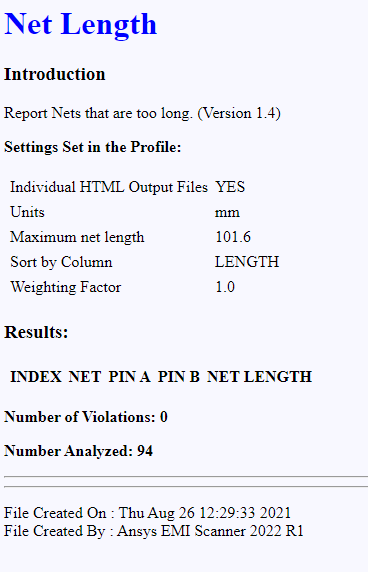
Clicking any rule takes you to another HTML file with a detailed report for that rule:
HTML Report with Images
The HTML report with images lists violations by rule. Click the Navigate arrow adjacent to a rule to view more information, including images of the violations.
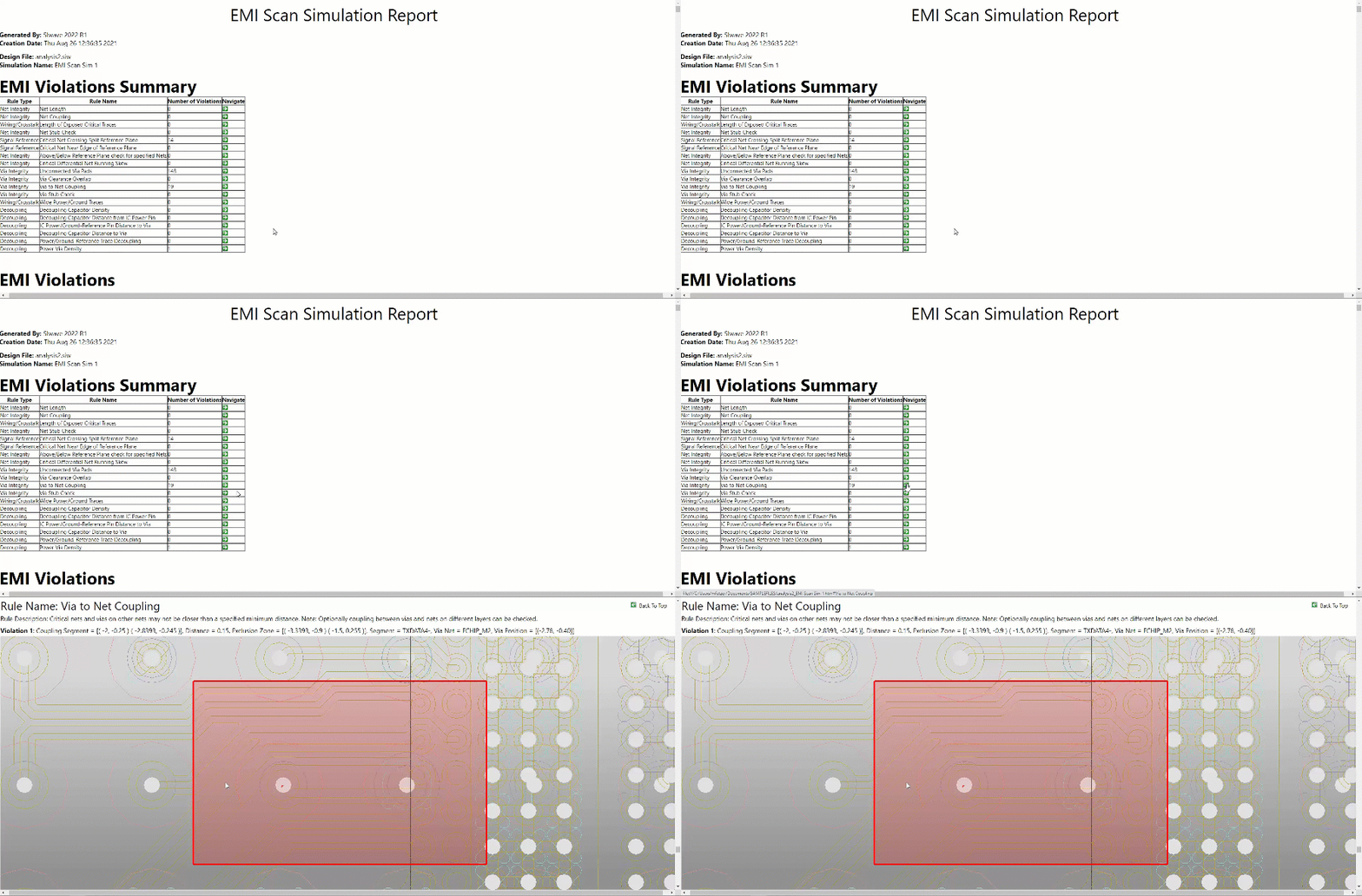
You can change whether EMI Scanner produces one large, combined HTML report or several individual HTML files in the EMI Scanner General Settings.