
Diagram Editor
When using the Modelica Language, you can use Twin Builder's Diagram Editor to add and modify models using drag-and-drop actions. You can create and edit the model in a graphical form. As a result, you can
- Construct a model by selecting components from the component libraries and placing them on the Diagram Editor
- Use wires and connectors to connect multiple components
- Modify the properties and parameters of these components
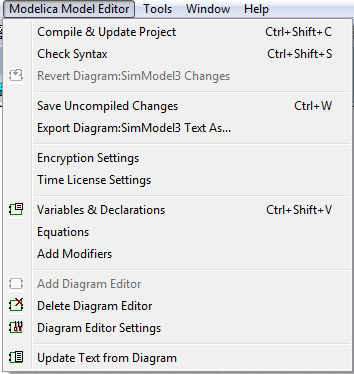
The Diagram Editor is available when you are working with a Modelica model. You can access it through Modelica Model Editor or from the related icons on the Modelica ribbon.
Related Topics
Operations in the Diagram Editor
Reverting Diagram Editor Changes