
Reverting Diagram Editor Changes
Follow this procedure to revert current changes and go back to the previous update or last compilation of user-generated model text from the Diagram Editor.
- Click Revert Changes on the Modelica ribbon.
- Click Modelica Model Editor > Revert Diagram Changes.
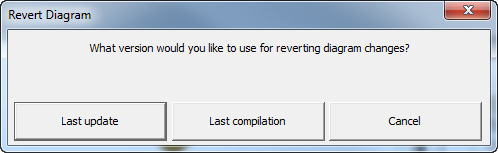
You have the option to revert to the Last update or the Last compilation of the model text you generated in the Diagram Editor.