
Drawing a Spline
A spline is a curved line defined by three points. The modeler uses a natural spline type: a piece wise cubic spline with an end condition that has a derivative of zero. Use the Draw > Spline command to create a polyline object with one or more spline segments. Before you draw a spline, you can specify the coordinate system, and you can set the drawing plane as Z, Y, or Z, or you can edit the plane in the properties.
- From the menu bar, click Draw>
 Spline or,
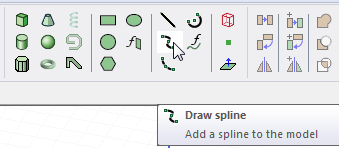
on the Draw ribbon tab, click the Draw spline icon:
Spline or,
on the Draw ribbon tab, click the Draw spline icon: - Select the spline's start point in one of the following ways:
- Click the point.
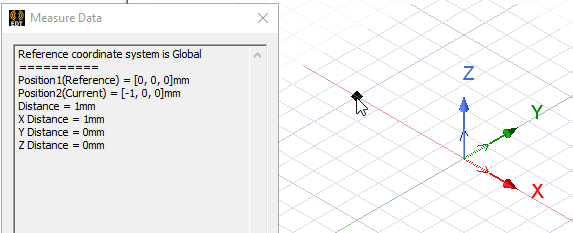
- Type the point's coordinates in the text boxes in the Status bar, and then press Enter.
The Status bar also includes options to specify the Coordinate System as Absolute or Relative, and drop down menu options to specify the spline in Cartesian, Cylindrical, or Spherical coordinates.
- Select the midpoint of the spline by clicking the point or typing the coordinates in the text boxes in the status bar.
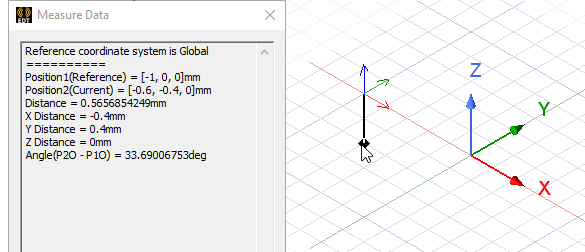
- Select the endpoint of the spline by clicking the point or typing the coordinates in the text boxes in the status bar.
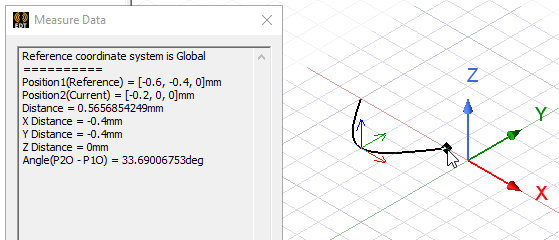
- Complete the spline in one of the following ways:
- Double-click the endpoint.
- Click Done on the shortcut menu.
- Press Enter.
The spline appears in the Modeler window and the History tree.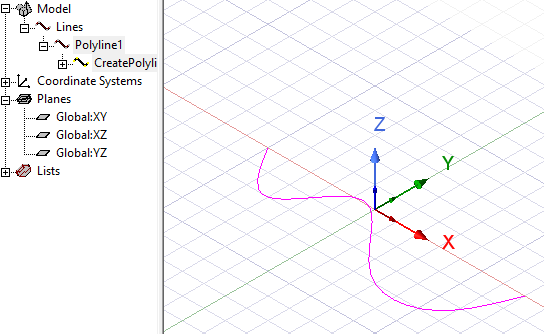
- If you have edited Properties, click OK.
To delete the last point entered, click Undo Previous Segment on the shortcut menu. After using the undo feature, you can also use Redo Previous Segment on the shortcut menu.
To delete all selected points and start over, press Esc or click Escape Draw Mode on the shortcut menu.
The endpoint serves as the start point for a subsequent spline segment. You can complete the spline at this point, or add additional segments.
If the Modeler option for editing properties of new primitives is
checked, the Properties dialog box appears, in which you can modify the object's attributes by
While drawing a polyline, you can switch between spline, straight line, or arc line segments using the Set Edge Type commands on the shortcut menu.