


This section describes techniques to troubleshoot convergence problems.
Diagnostic Tool: Contact Results Tracker
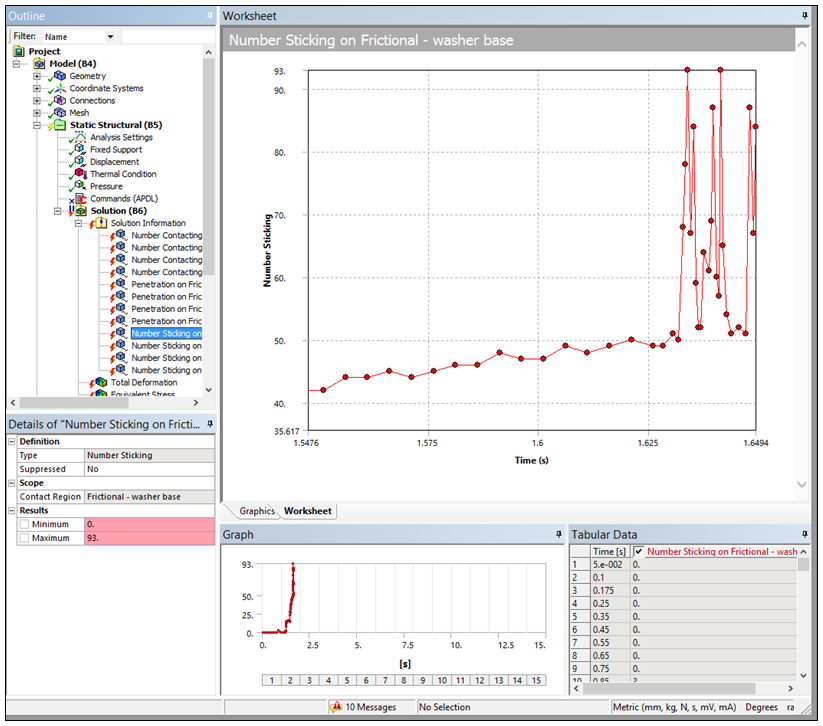
The structural result tracker for Contact enables you to view contact information "live" as the solution processes. This enables you to observe trends that can help you diagnose problems. For example, a decreasing number of contact points indicate a trend towards a loss of contact.
Making Use of Partial Solutions
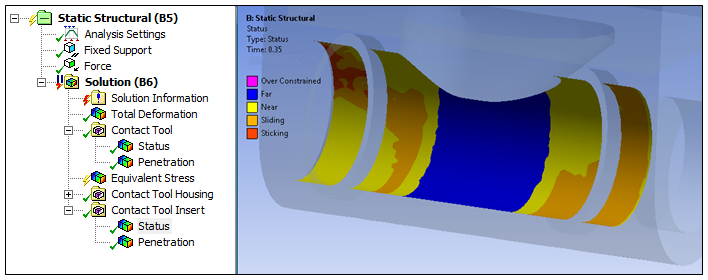
When a Solution fails to converge, you can review the results at the converged substeps, which can be invaluable for diagnosing problems. Checking the contact result Status is a useful first step. It can help you understand the global contact behavior of the model and enable you to find problem areas. An example is shown below.
Contact Results Tool: Penetration
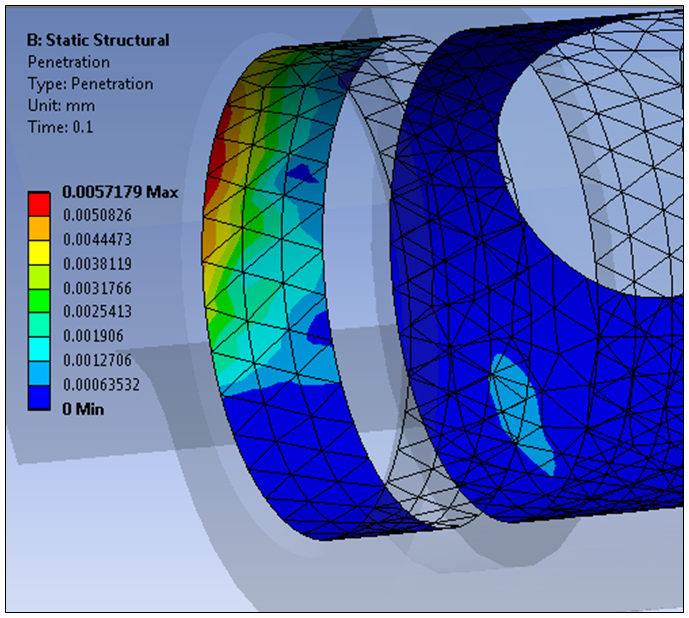
It is important to ensure that the contact penetration is small relative to local displacements. The reason is that any contact penetration is technically impossible, since bodies do not move into each other. A good check is to add the contact result to the local displacement and compute a back-of-the-envelope strain calculation. This helps determine if the penetration is significantly affecting the stress calculations. An example is shown below. Ways to reduce penetration include:
Increasing the Stiffness.
Reducing the Penetration Tolerance.
Setting the Formulation property to .
Diagnostic Tool: NR Residuals
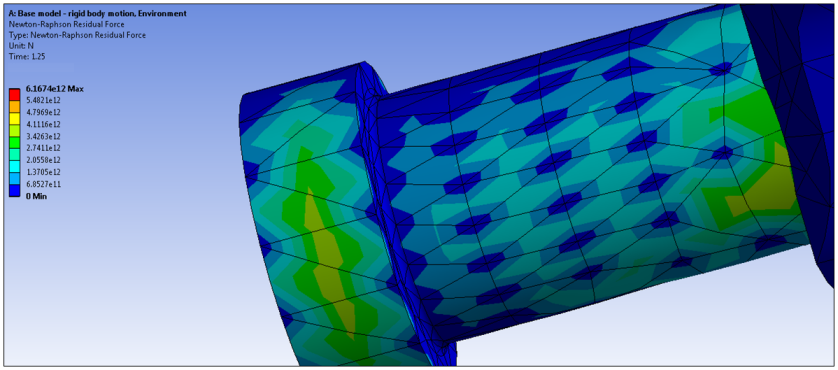
For a failed solution, requesting Newton-Raphson residuals helps to identify areas where attention is needed. It is especially useful for models with many nonlinear contacts, and the pair which caused the convergence difficulty is not known. An example is shown below.
Checklist for Overcoming Convergence Difficulties
Here are a few steps to follow when convergence difficulties are encountered.
Identify the problematic contact region(s) using:
Contact Results (especially and ).
Force Convergence plots (See the Solution Information object Help section).
NR residuals.
Once identified, possible remedies:
Check Mesh Quality (using Mesh Controls)
Make sure the model's units of measure are on an appropriate scale
Check for proper Initial Conditions/pinball
Adjust the contact Stiffness.
Use "nodal detection" if the problem is at a corner.
Reduce the time step size before and during the onset of the divergence.
If a large friction coefficient is defined (>
0.25) consider using an unsymmetric solver.If the problem manifests immediately based on poor initial contact conditions (not well engaged or rigid body motion) try using aggressive contact stiffness update.