
Component 2.0 Window
When you click OK in the Create Component 2.0 Representation window, the Component 2.0 window opens. This window gives user access to editing the component, to securing the component with encryption, and to entering info for the component. It can also be used to view images of all the representations in the component. This window does not exist until the user defines the first representation for the component.
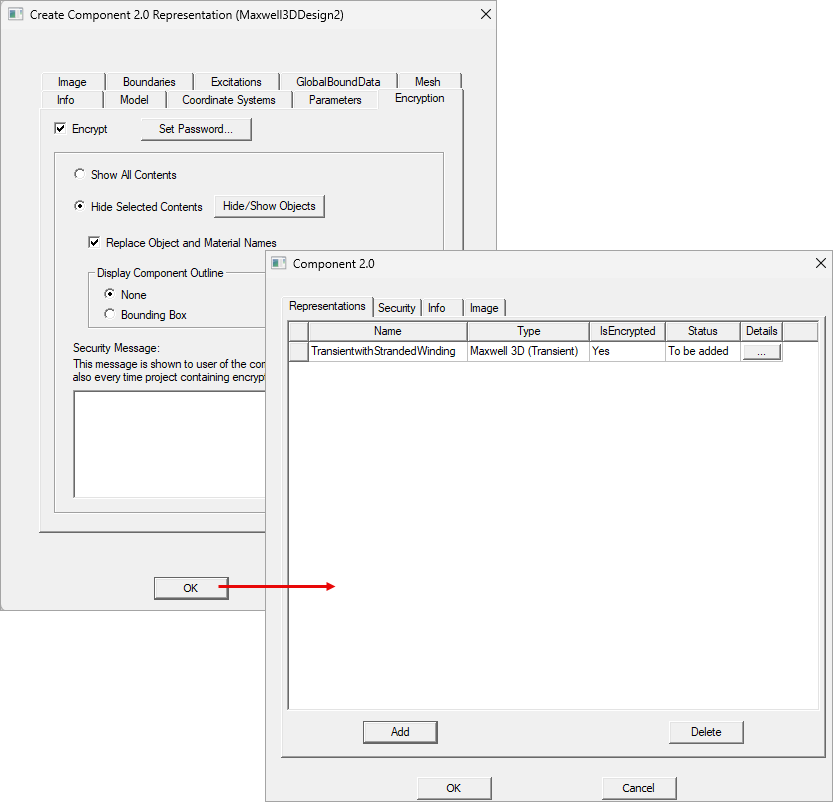
The same window can be opened from the Edit Component 2.0 menu:
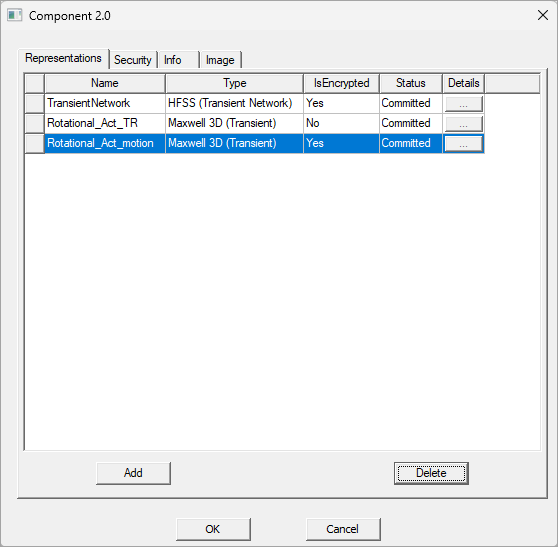
It will also open if you select Insert 2.0 Component and specify a .acmp2 file.
This window includes the following tabs:
These tabs are explained in the topics that follow.