Info
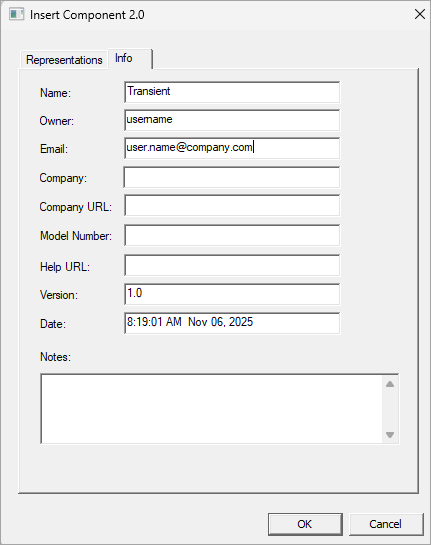
The Info tab of the Component 2.0 window sets the information for the component file. From this tab, you can view and edit component information, as well as add notes. Fields include Name, Owner, email, Company, Company URL, Model Number, Help URL version, Date, and Notes.
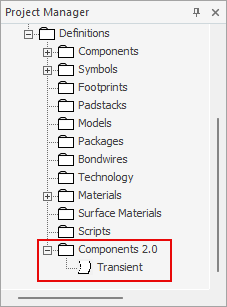
The name given in the Name field determines how the component is labeled in the Project Manager tree's Definitions\Component 2.0 folder: