Image
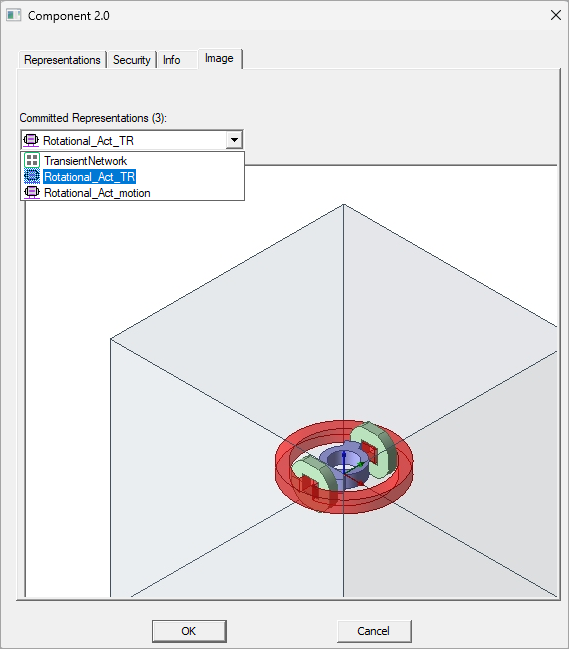
The Image tab of the Component 2.0 window offers a drop-down menu that includes all the representations in the component. Note that unlike the Image tab in the Create Component 2.0 Representation window, the representation image cannot be changed.