Removing Objects and Layers in IC Mode
IC Mode offers several ways to remove unwanted objects in a design (e.g., removing islands):
Complete these steps to remove objects from a layer.
Note:
To remove layers from an encrypted design, refer to Trimming Layers from an Encrypted Design.
-
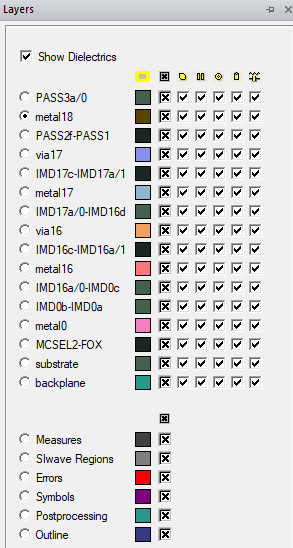
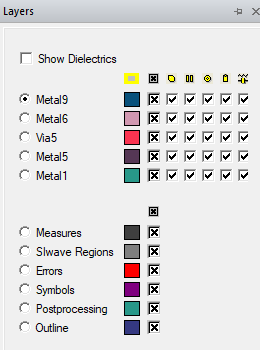
If the Layers window is not visible, navigate to the Layers tab. Click the tab to open the window.
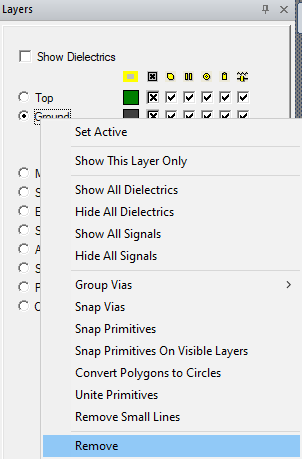
- Right-click the appropriate layer (e.g., Ground) and select Remove to remove all the objects from it.
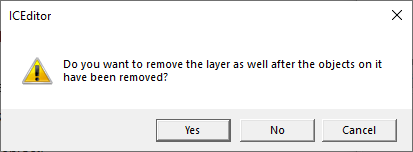
- Click Yes or No, as appropriate.
Trimming Layers from an Encrypted Design
To enable interfacing with encrypted technology in hierarchical designs, users can remove the top and/or bottom layers to access the internal components. Complete these steps to remove the top/bottom layer from the design.
Note:
Trimming the top/bottom layers from a design disassociates the encrypted technology and invalidates all solutions and Green's Function Data.
- Right-click in the Layers tab and select Trim Layers > Top or Bottom.
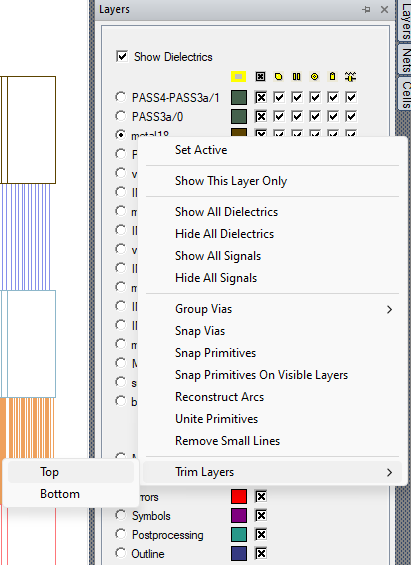
- The top or bottom layer is removed from the design.