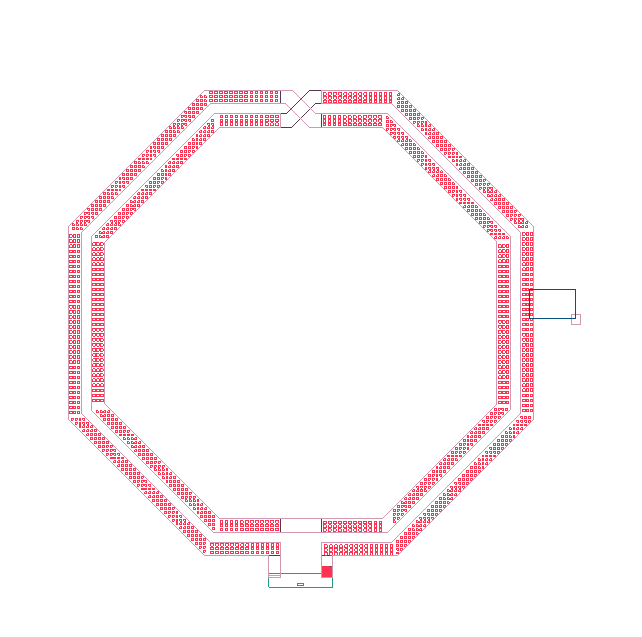
Removing Small Islands in IC Mode
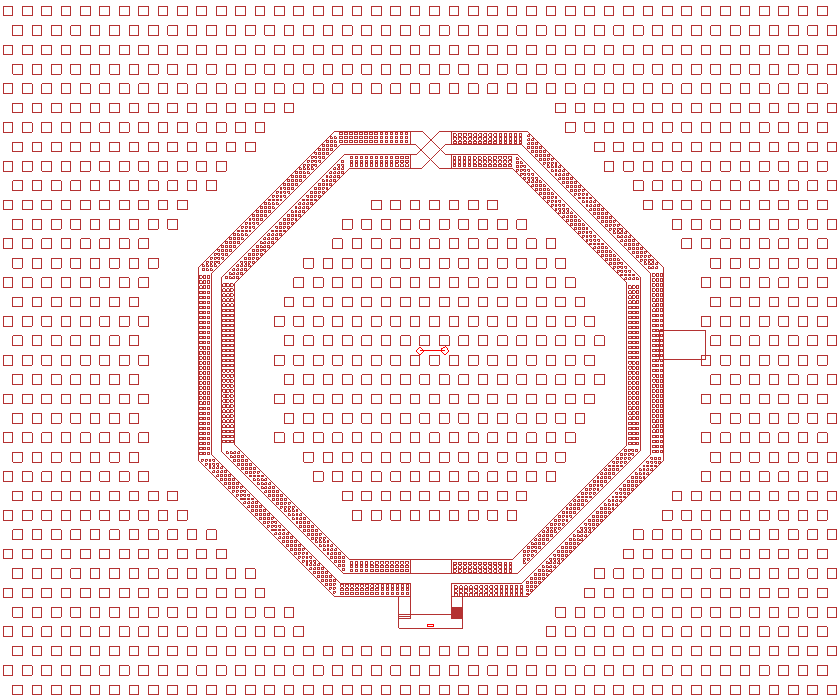
Designs may contain small detached pieces of metal (i.e., islands) that are unimportant to the simulation. An island is made up of one or more primitives and vias. Users can clean up a design by using the Remove Islands feature. Islands are removed if the total area covered by all of its primitives and vias is smaller than the user-specified Tolerance.
Complete steps in the following subsections to configure Remove Small Metal Islands, then remove islands within a design.
Configuring Remove Small Islands Settings
- From the IC Layout ribbon, click Settings.
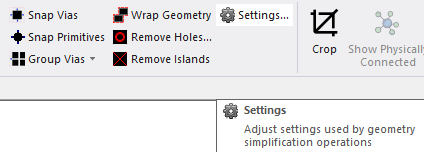
The Geometry Simplification Settings window opens.
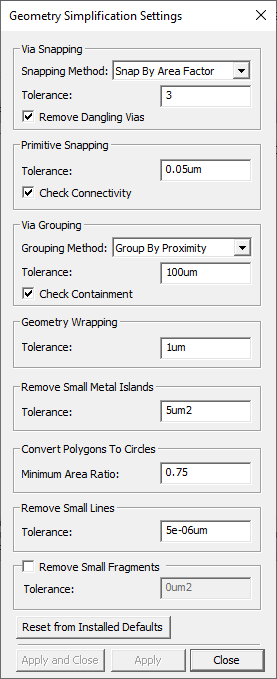
- From the Remove Small Metal Islands area, enter a value in the Tolerance field (e.g., 5um2).
- Click Apply and Close.
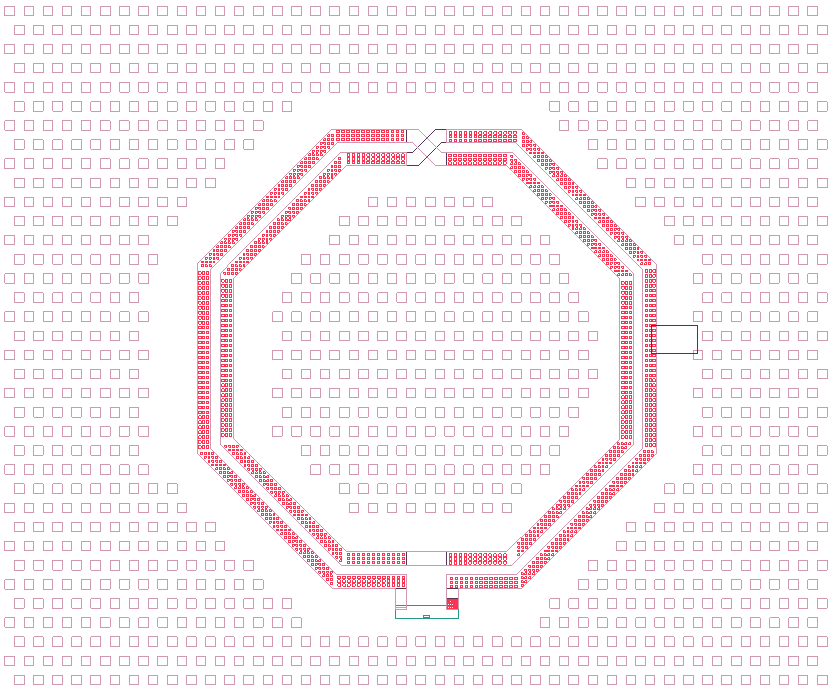
Removing Small Islands in the Layout Editor
-
Select the chosen elements of the design.
-
From the IC Layout ribbon, click Remove Islands.
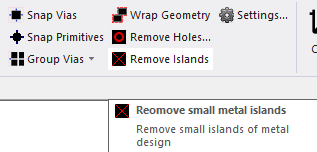
The selected elements are compared to the value in the Tolerance field. Any piece of metal the same size or smaller than the set Tolerance is removed from the design.