Removing Small Holes in IC Mode
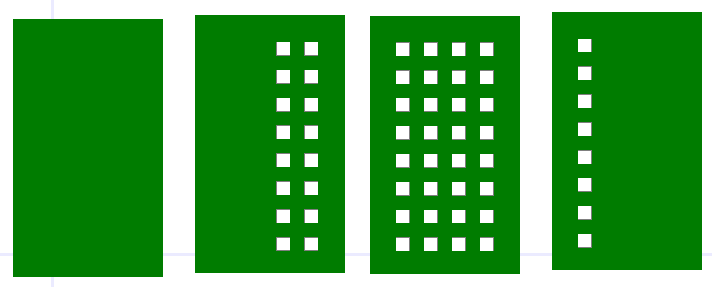
Designs can contain inappropriate holes that users may want to remove. Users can clean up a design by using the Remove Holes feature. Holes are removed if their total area is smaller than the threshold set by the user, unless otherwise excluded using the parameters in the Remove Small Holes window.
Complete the instructions in the following subsections to adjust the Remove Small Holes settings, then remove small holes from a design in several ways.
Accessing the Remove Small Holes Window
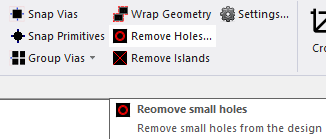
From the IC Layout ribbon, click Remove Holes.
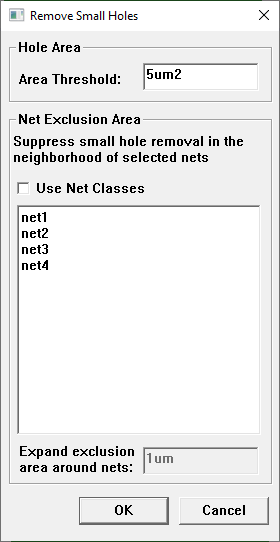
The Remove Small Holes window opens.
Removing Small Holes Using Area Threshold
-
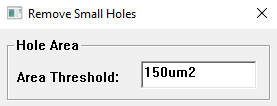
From the Hole Area area, enter a value in the Area Threshold field (e.g., 150um2, although the default value is 5 um2).

-
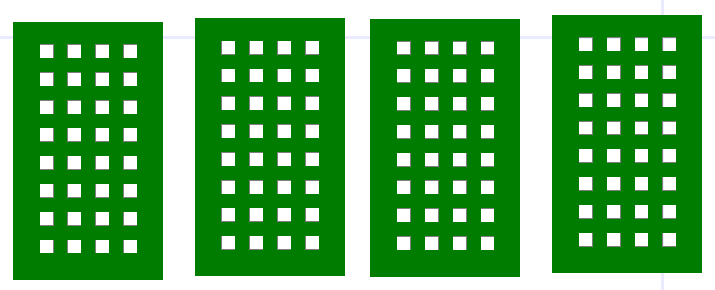
Click OK to close the Remove Small Holes window. All of the holes are compared to the value in the Area Threshold field. Any hole the same size or smaller than the entered value is removed from the design.

Removing Small Holes Using Net Exclusion
-
From the Hole Area area, enter a value in the Area Threshold field (e.g., 150um2).
-
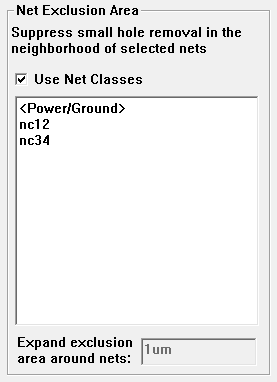
From the Net Exclusion Area area, do the following:
-
If required, check the Use Net Classes box to select from a list of net classes rather than individual nets.
-
Click a net/net class to exclude from hole removal. Ctrl+click to select more than one net/net class (e.g., net2 and net4).

-
-
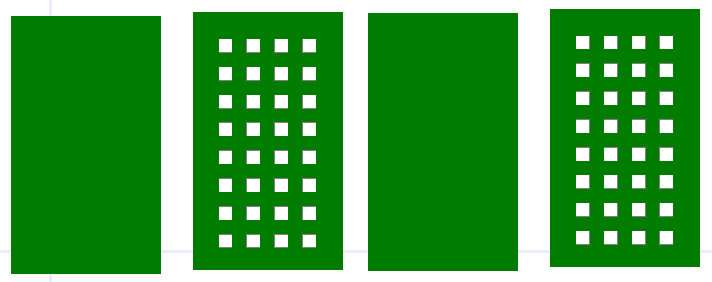
Click OK to close the Remove Small Holes window. All of the holes that are not in exclusion zones are compared to the value in the Area Threshold field. Any hole the same size or smaller than the entered value is removed from the design.
-
Expanding the Exclusion Area
After selecting nets or net classes to exclude from hole removal (e.g., net3), the Expand exclusion area around nets field is enabled. Enter a value in the Expand exclusion area around nets field (e.g., 60um) to widen the exclusion area around the selected net(s)/net class(es).

Click OK to close the Remove Small Holes window. All of the holes that are not in exclusion zones, as defined by user-selection in the Net Exclusion Area area list and the Expand exclusion area around nets field are compared to the value in the Area Threshold field. Any hole the same size or smaller than the entered value is removed from the design.