


In this tutorial, you will generate a mesh for a two-dimensional pipe junction that comprises two inlets and one outlet. After generating an initial mesh, you will check the quality of the mesh, and refine it for a Navier-Stokes solution.
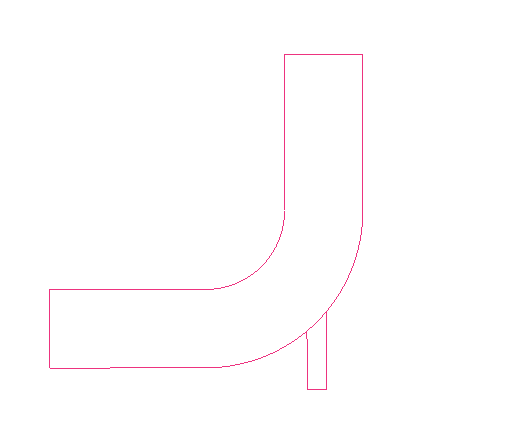
This tutorial demonstrates how to do the following:
Block the geometry.
Associate entities to the geometry.
Move vertices onto the geometry.
Apply mesh parameters.
Generate the initial mesh.
Adjust the edge distribution and refine the mesh.
Match the edges to improve quality.
Verify and save the mesh.
- Starting the Project
- Step 1: Block the Geometry
- Step 2: Associate Entities to the Geometry
- Step 3: Move the Vertices
- Step 4: Apply Mesh Parameters
- Step 5: Generate the Initial Mesh
- Step 6: Adjust the Edge Distribution and Refine the Mesh
- Step 7: Match the Edges to Improve Quality
- Step 8: Verify and Save the Mesh and Blocking