
Welcome Screen
When SIwave opens for the first time, a Welcome window appears containing buttons for frequently used actions:
- New Project – Creates a new, blank project.
- Open Project – Opens an existing SIwave project (*.siw).
- Recent Projects – Displays a list of the most recently opened projects. Click a project to reopen it.
- Import ANSYS EDB – Imports an EDB file. See: Importing Projects.
- Import IPC-2581 – Imports an IPC-2581 file. See: Importing IPC-2581 Designs.
- Import ODB++ Design – Imports an ODB++ design. See: Importing Projects.
- Import DXF – Imports a DXF file. See: Importing DXF Files.
- Import GDSII – Imports a GDSII file. See: Importing GDSII Files.
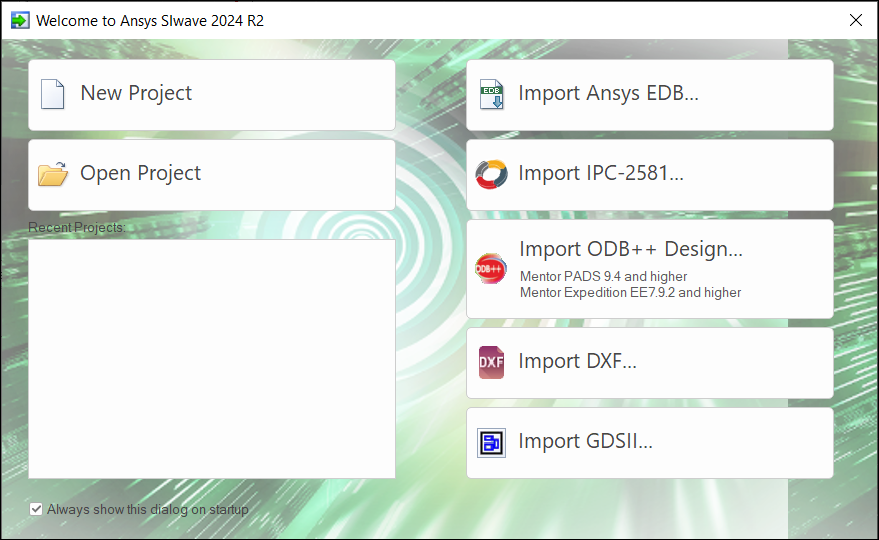
If you don't want this window to appear when you start SIwave, deselect the Always show this dialog on start up check box:

To open this window at any time, click the Welcome Dialog icon on the left side of the Quick Access Toolbar.
