
Ribbon Interface
The SIwave ribbon is the rectangular area across the top of the application. It contains several tabs, each one representing a subset of program functionality. The layout of the ribbon follows a user’s typical flow of functionality, and the tabs contain related commands that are organized, grouped, and labeled.

The SIwave ribbon contains the following tabs:
- FILE – contains file operations options and SIwave release information.
- Import – contains actions for importing files into SIwave.
- Home – contains options for selecting and editing objects in the Modeling workspace.
- View – contains options for altering the way information is displayed in the Modeling workspace.
- Tools – contains tools that aid in design, transformation, and computation.
- Advanced – contains additional specialized editing tools.
- Export – contains actions for exporting files from SIwave.
- Simulation – contains simulation operations.
- Results – contains results of previously run simulations.
To the right of the tabs is a lightbulb and the text Tell me what you want to do. This is a search bar. Type a query to find related menu options.
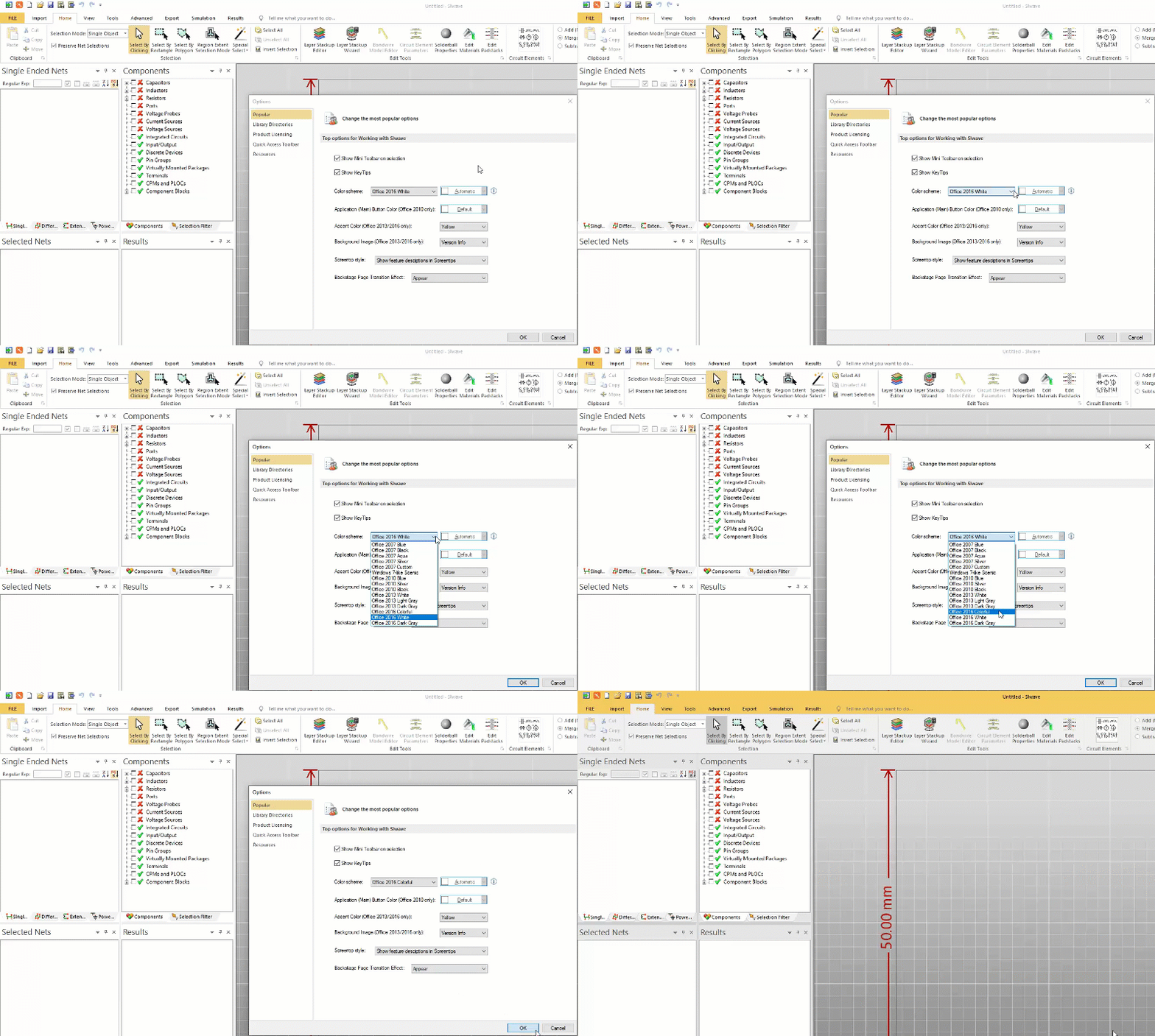
To customize ribbon settings, click FILE > Options. The Popular tab allows you to customize the ribbon's color scheme and layout.
Quick Access Toolbar
The Quick Access Toolbar (QAT) appears above the ribbon interface.

By default, this toolbar contains the above icons, in order:
- Welcome Dialog – reopens the window that appears when SIwave is first loaded.
- SIwave Workflow Wizard – opens the SIwave Workflow Wizard, where you can perform some common actions.
- New – creates a new SIwave file (*.siw). If a file is already open, it will ask you to save before creating a new file.
- Open – allows you to open any SIwave file (*.siw). If a file is already open, it will ask you to save before opening another file.
- Save – saves the current file.
- Archive – saves the file as a compressed SIwave file (*.siwz). This action automatically detects appropriate files (simulation results, referenced files, etc.) and includes them in the archive.
- Restore Archive – opens an archived file (*.siwz).
- Undo – undoes the last action taken.
- Redo – re-performs a previously undone action.
- Customize Quick Access Toolbar – opens a drop-down menu allowing you to set the visibility of icons in the QAT.
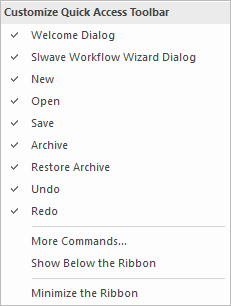
Click an item in the drop-down menu to show or hide it. Click More Commands... to access the full Options window.