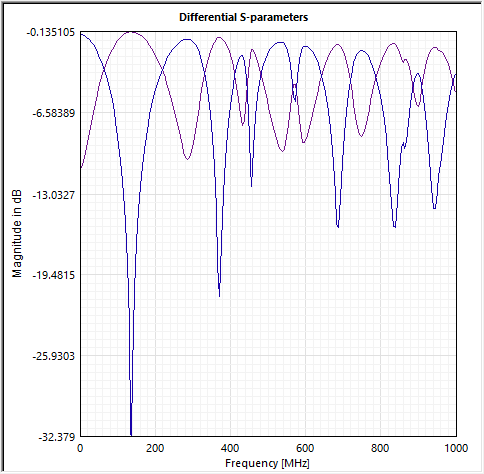
Computing Differential S-Parameters
If you have two or more ports defined and have computed the S-parameters for them, you can view the differential and common-mode S-parameters.
To compute the differential S-parameters in SIwave:
- Click Results.
- From the SIwave area, select SYZ > [Simulation Name].
- Click Compute Differential S-parameters.
- From the Differential Ports area, select the Positive Reference Port and Negative Reference Port.
- If appropriate, click Add Row to add ports.
- Click Compute Diff. S Matrix.
- Use the check boxes in the Plot column to select entries to plot.
- To export and view the plot in Ansys Electronics Desktop, enter a name in the Plot Name field and click Plot in Electronics Desktop.
- To export and view the plot in ndExplorer, click Export to ndExplorer.
The Differential S-parameter Plot window appears.
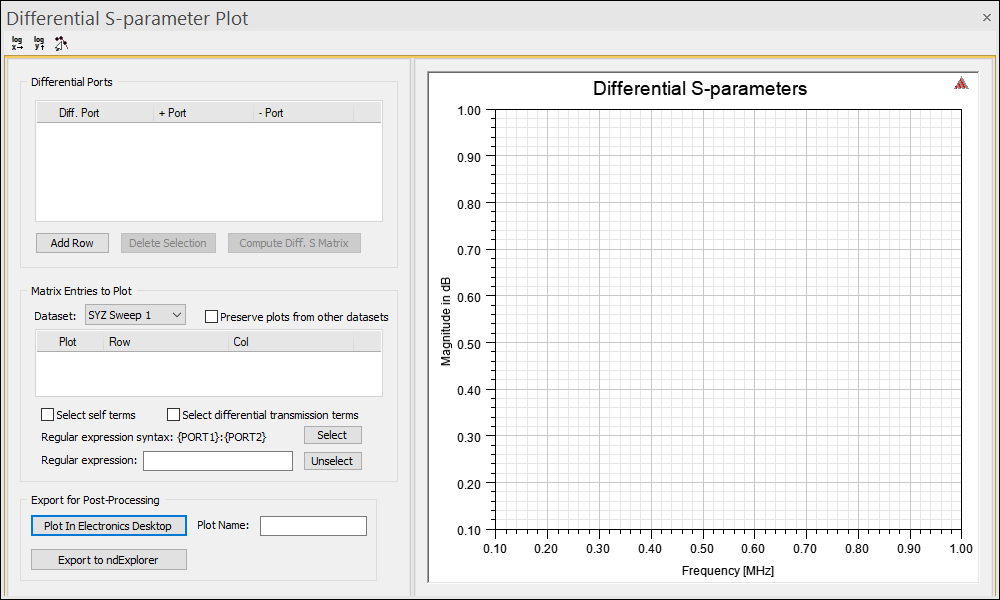
See Plotting Magnitude for more information about using the plot window.
The Matrix Entries to Plot area updates.
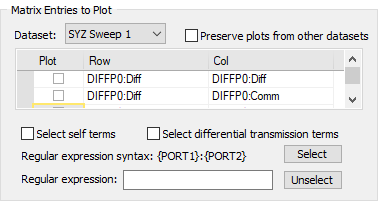
The plot area updates to display the information.