
Via Grouping in IC Mode
Integrated chips are commonly fabricated using numerous small vias between signal layers which can result in highly complex geometries. Geometries can be simplified through grouping. Via grouping replaces via regions with an equivalent wrapping polygon that has material properties representative of the grouped primitives. The Group Vias tool detects clusters of primitives and creates via groups accordingly. Via groups can then be combined or dissolved depending on which option is selected.
Complete steps in the following subsections to configure Via Grouping settings, then group vias within a design.
Configuring Via Grouping Settings
- From the Layout ribbon, click Settings.
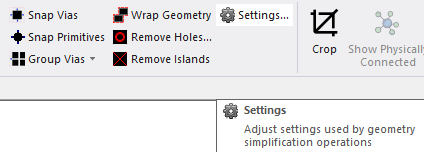
The Geometry Simplification Settings window opens.
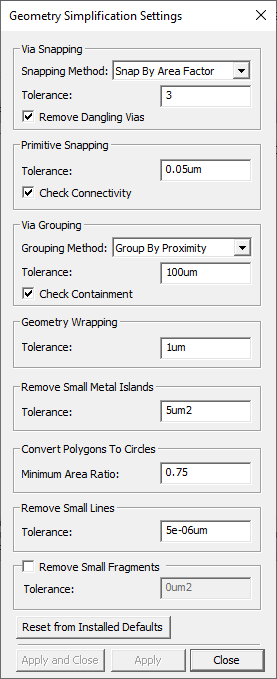
- From the Via Grouping area, do the following:
Select a Grouping Method from the drop-down menu (Group By Proximity selected by default).
- Group By Proximity - Groups vias that are spaced similarly. Vias are not grouped if the distance between them exceeds the Tolerance.
- Group By Range - Groups vias based on whether a potential member is separated by no more than the Tolerance from any other member.
- Enter a value in the Tolerance field, including the unit of measurement (e.g., 100um).
- Check the Check Containment box to detect and prevent electrical shorts (checked by default).Note: Check Containment analyzes the placement of via primitives. When the possibility of a short is detected, Check Containment attempts to prevent a short.
- Click Apply and Close.
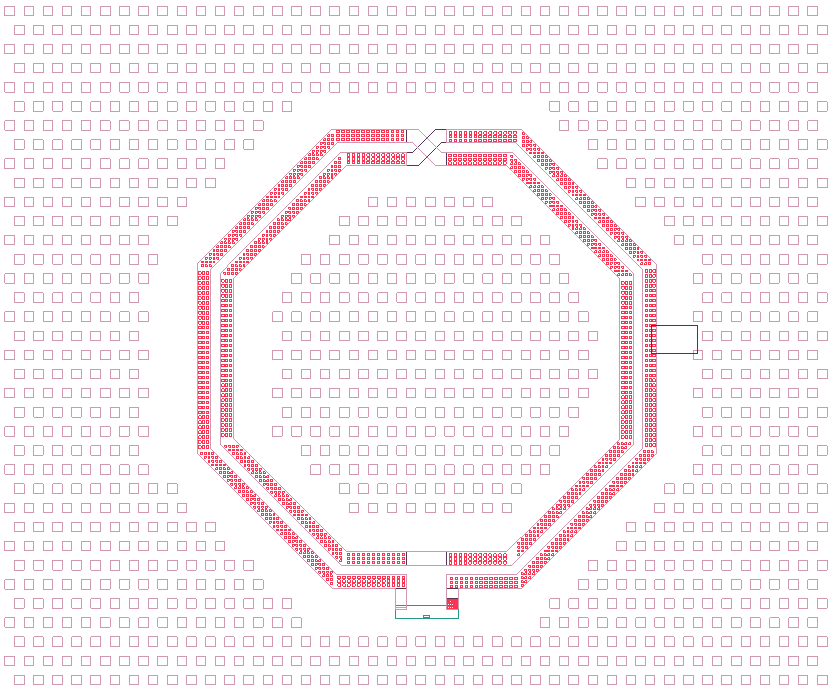
Grouping Vias on a Specific Layer
-
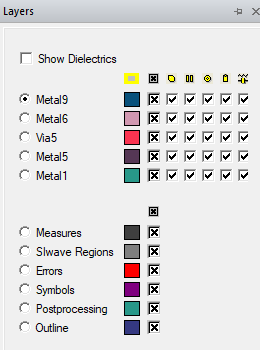
If the Layers window is not visible, navigate to the Layers tab. Click the Layers tab to open the window.
-
Right-click the chosen layer (e.g., Via5) and select Group Vias > Persistent (or Group Vias > Non-Persistent).
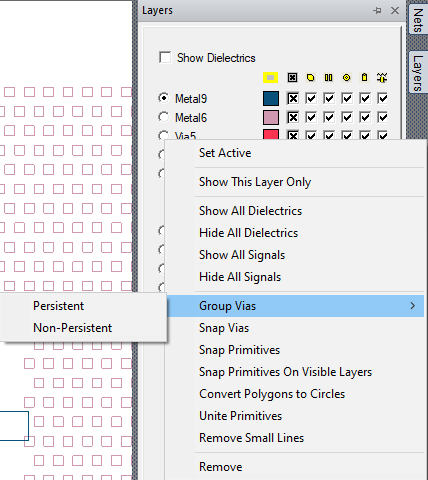
The vias in the design are grouped.

Manually Grouping Vias in the Layout Editor
- Select a group of via primitives.
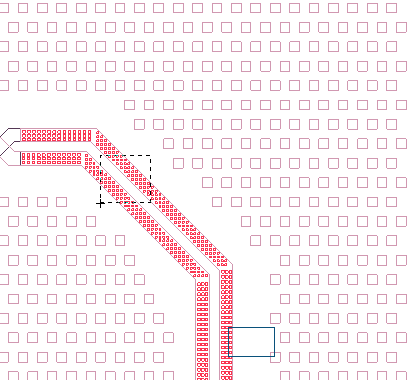
- From the Layout ribbon, select Group Vias > [Option].
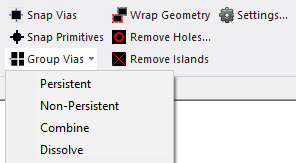
Options
- Persistent - create a via group and keep the original primitives in the design
- Non-Persistent - create a via group and delete the original grouped primitives
- Combine - merge selected via group and/or via primitives into a new via group
- Dissolve - restore the selected via group into the primitives that comprise it

Via primitives can be rectangles, polygons, or lines. Only rectangular via primitives can have more than one primitive in a via group. If you want to make a via group out of polygons or lines, the group can have only one line primitive or one polygon primitive in it.