CPA RLGC Results Menu Options
Navigate to the RLGC Results Menu:
- Click Results.
- From the CPA area, select RLGC > [Simulation Name].
- Plot Pin RL – allows you to plot results. See: Viewing CPA RLGC Simulation Results.
- Export Simulation Report – exports the simulation report. See: Exporting CPA RLGC Simulation Results.
- Export Ansys Redhawk Netlist – exports a netlist. See: Exporting CPA RLGC Simulation Results.
- Export Wideband SPICE Model (BETA) – exports a wideband SPICE model. See: Exporting CPA RLGC Simulation Results.
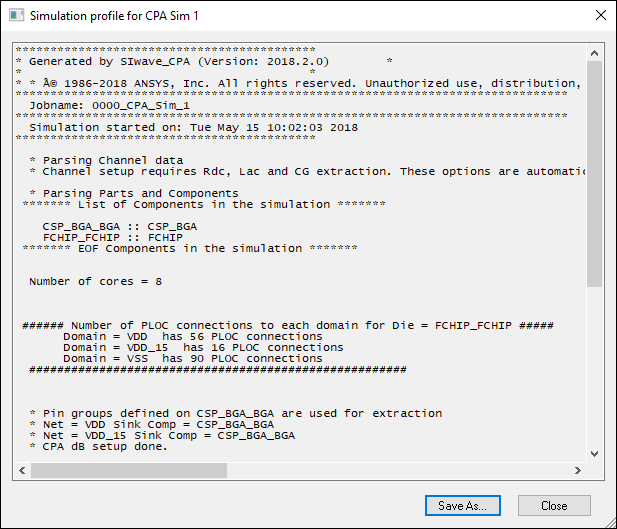
- View Profile – opens the simulation profile.
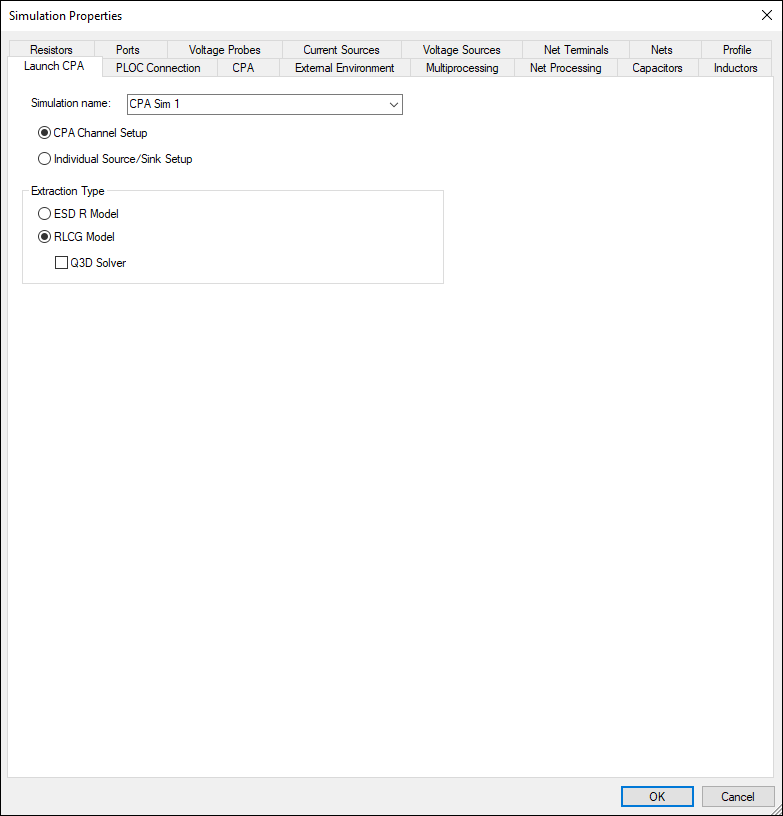
- View Simulation Properties – opens the Simulation Properties window on the Launch CPA tab.
- Rename Solution – allows you to rename the solution.
- Delete Solution – deletes the solution.
- RLCG Table – displays results in tabular format. See: Viewing CPA RLGC Simulation Results.
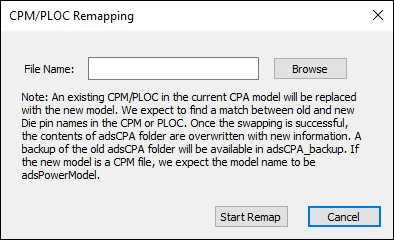
- Remap PLOC/CPM – allows you to import and remap die connections in the model using a new PLOC/CPM file, without having to perform the extraction again. See also: Remapping a Package Netlist.
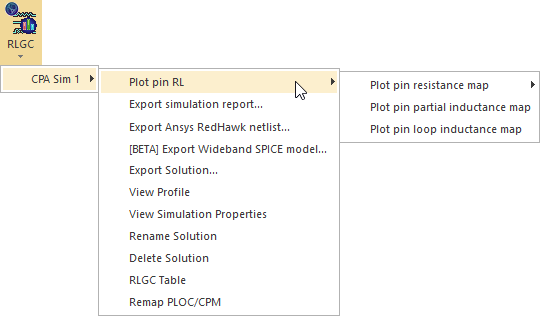
Menu options include:
Simulation Profile
Simulation Properties
Remap PLOC/CPM