
Spectra Configuration
To configure the Spectra library:
- Run an EMI scan.
- Click Results > View Violations.
- Select a violation and click the EMI Xplorer icon.
The EMI Xplorer appears.
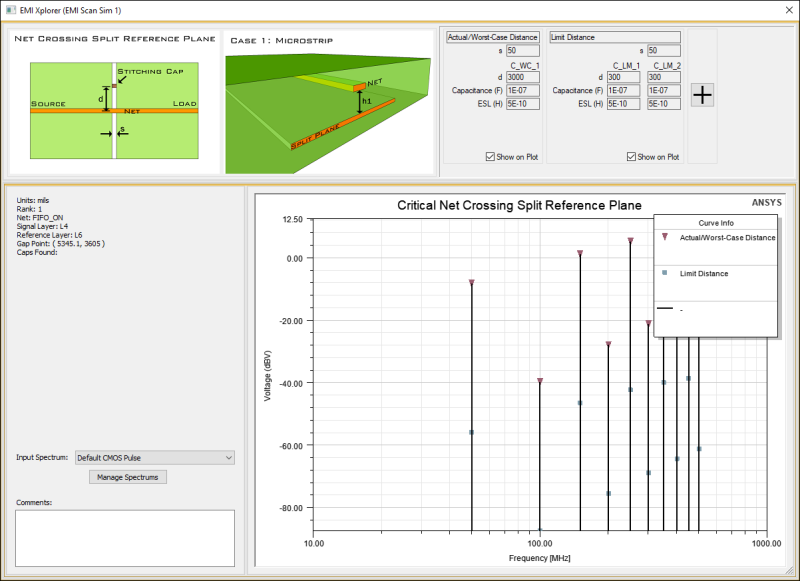
- From the bottom-left pane, click Manage Spectrums.
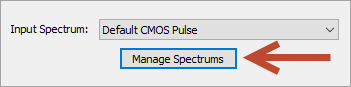
The Manage Spectrums window appears.
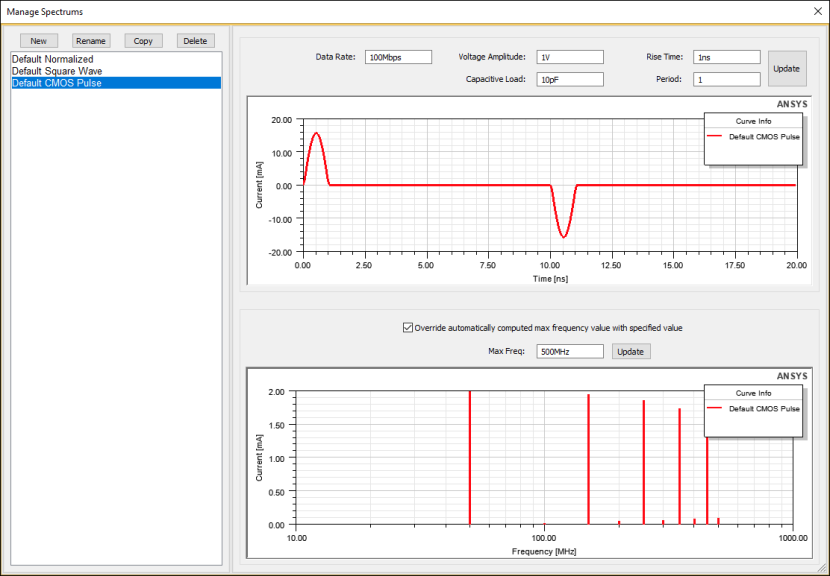
- To change a spectrum's settings, select the spectrum from the left pane and change its settings in the right pane. Then click Update.
The plots update to reflect the new settings.
Note:Configurable settings vary based on the type of spectrum.
From the Spectra Configuration window, you can also perform the following actions:
- New – create a new spectrum.
- Rename – change a spectrum name.
- Delete – remove a spectrum.
- Copy – create a copy of an existing spectrum with a new name.