
Creating a New Spectrum
To create a new spectrum from the Manage Spectrums window:
- Click New.
The New User Defined Spectrum window appears.
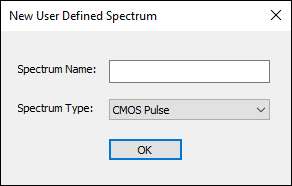
- Enter a Spectrum Name and use the Spectrum Type drop-down menu to select Normalized Current, Square Wave, or CMOS Pulse.
The new spectrum appears in the left pane, and its settings and plots appear to the right.
- Edit the settings and click Update to refresh the plots. Note:
Configurable settings vary based on the type of spectrum you selected previously.
- Close the Manage Spectrums window.
You can now select the new spectrum from EMI Xplorer.