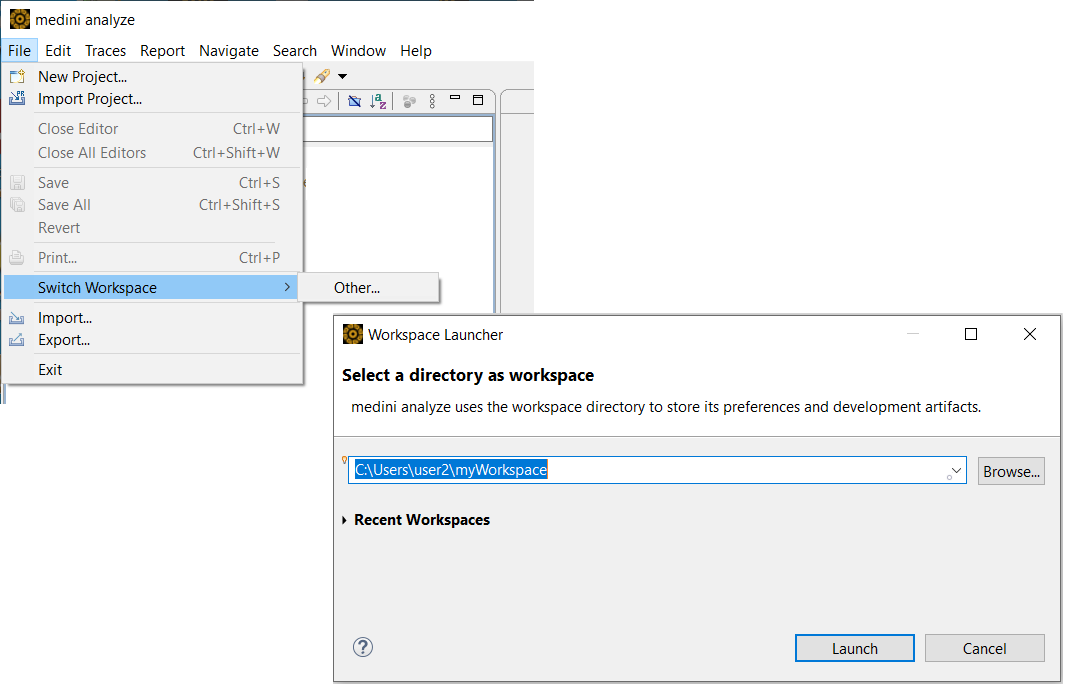
A workspace is the location where medini analyze projects are stored locally. You can have multiple workspace locations containing multiple projects.
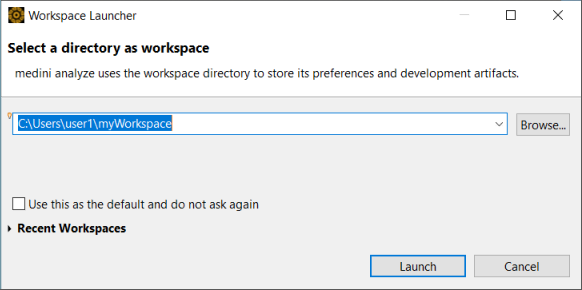
When you start the tool, you are asked which workspace location you want to use. Provide a workspace location here or select a previously-used location from the drop-down list. To choose another location or create a new workspace location, click the button.
To change the workspace location after you have started the tool, select > . You can select from the list of previously-used workspace locations.
To choose another directory as a workspace or to create a new directory, click .
Note that after the tool is started, you can find the project location (and thereby the workspace location) for any project by right-clicking the project and selecting > . For more information, see Project Settings.