
Component Libraries
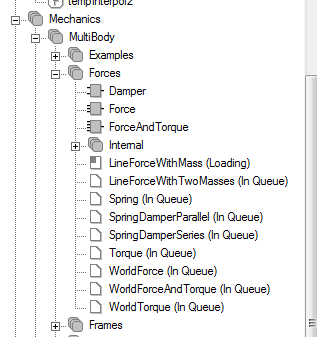
The Component Libraries contain a list of all blocks and models available in the language-specific packages that have been loaded in the Model Editor.
Modelica packages contain models, blocks, types, classes, and other objects. The objects are typically in hierarchical order.
Initially there is no information available for each object, but when you expand a hierarchical level, the compiler begins providing more information, such as interfaces and properties, for each element.
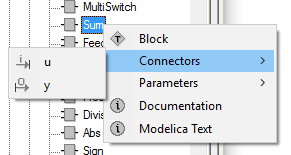
Right-click the model to view the component's type, associated input and output pins, parameters. and documentation.
Project Package
The project package shows all local Modelica models in a project. You can drag and drop models to connect them with other objects.
Select Add Model when creating definitions to extend from existing models.
The project package updates when you compile or save an uncompiled model. Remember to update the model text in the diagram before saving.
To export the project package to a single file package, right-click the project definition and select Export.