
Creating a Unit Cell for an Array
You use the Modeler to create a unit cell for an array.
- The unit cell can be rectangular, parallelogram or hexagonal.
- You must define appropriate Primary
and Secondary
boundaries, as well as other boundaries required for the model. Deleting a
primary or secondary boundary that is referenced by an existing array also
deletes the array. Typically, you define Primary and Secondary boundaries
as opposite sides of a cell.
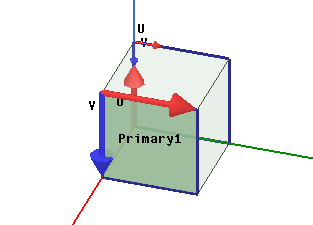
In such cases, with Primary and Secondary boundaries
on opposite sides, the array sides align.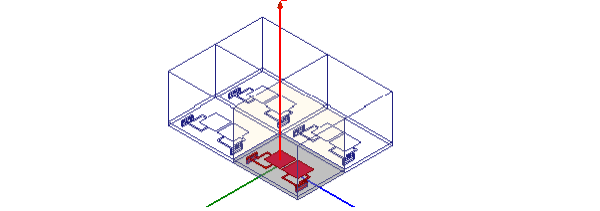
However, you can arrange Primary and
Secondary boundaries to create an offset array. In such cases, you create
both a Primary and a Secondary boundary for corresponding sections of a cell
side, and assign Primary and Secondary to create offset alignment.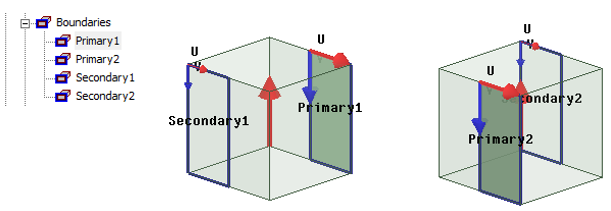
With all boundaries defined in this manner, the array can be offset.
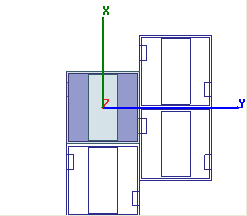
- In making source definitions for unit cell for the unit cell, you cannot assign a Floquet port.
- Each driven Modal or driven Terminal design can contain a single array.
Editing the model object for an existing array invalidates any existing solutions. Once you have created a model, you may choose to make into a 3D Component. The Create Array... command provides different options, depending on whether you use a native geometry or a 3D component.