
SIwave Options
To set program-wide options in SIwave, click FILE > Options.
The Options window contains five tabs:
- Popular – contains SIwave display options.
- Library Directories – allows you to specify directories for the component library and IBIS buffer library.
- Quick Access Toolbar – allows you to add and remove items from the Quick Access Toolbar.
- Resources – contains links to various internet resources.
Popular Tab
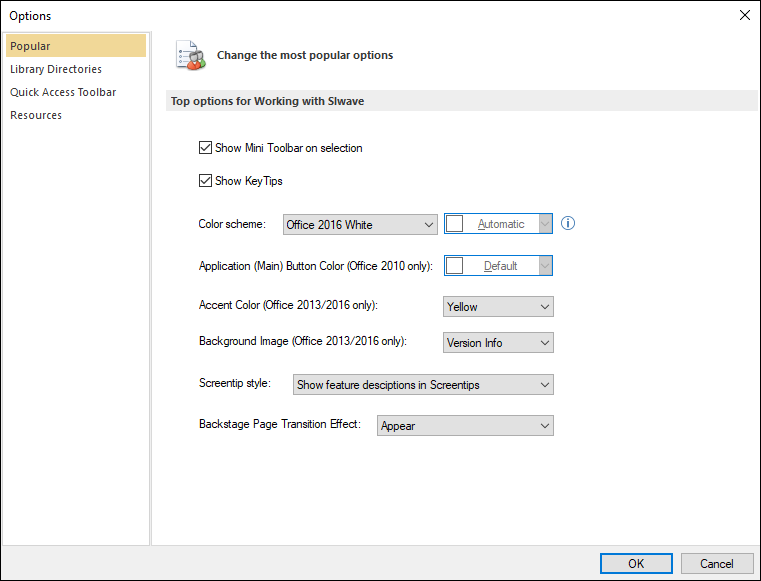
Use the Popular options to show or hide the mini toolbar and key tips, and to change SIwave's color scheme and background effects.
Library Directories Tab

The Component Library directories store third-party capacitor and inductor S-parameter models. By default, the directories are (separated by a semicolon): C:\Program Files\AnsysEM\<version>\Win64\ and C:\Users\<USERNAME>\Documents\Ansoft\PersonalLib.
From the C:\Program Files\AnsysEM\<version>\Win64\ directory, components are stored in a folder called "complib".
The IBIS Buffer Library stores IBIS driver/receiver models and defaults to C:\Program Files\AnsysEM\<version>\Win64\.
From the C:\Program Files\AnsysEM\<version>\Win64\ directory, components are stored in a folder called "buflib".
Use the Add Directory buttons to specify directories. SIwave supports the selection of multiple directories. If you specify more than one directory (e.g., to have a primary and a backup directory), the directories display in their field separated by a semicolon.
Quick Access Toolbar Tab

Move items to and from the Quick Access Toolbar using the Add>> and <<Remove buttons. You can also Reset the toolbar to its default settings, or select Show Quick Access Toolbar below the Ribbon to change its placement.
Resources Tab
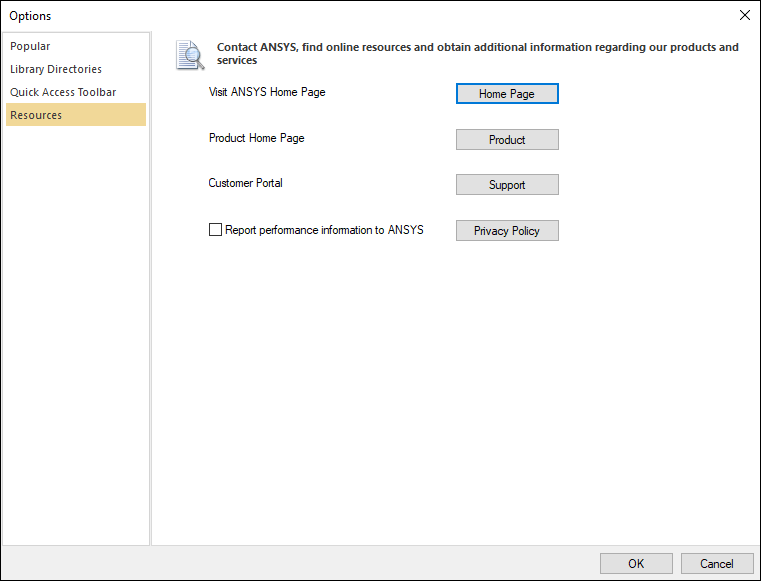
Click the links to visit the Ansys home page, SIwave home page, or Customer Portal. You can also choose whether you want to take part in the Ansys Product Improvement Program.