
Auto Assign Terminals
Right-click Excitations
from the project tree to bring up the shortcut menu that contains the
Auto Assign Terminals option.
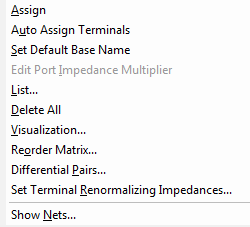
This option assigns terminals automatically. When you change the Solution Type of a model from Driven Modal to Driven Terminal, you can use this option to define the terminals for the conductors on the existing ports.
In exceptional cases with complicated arrangement of conductors or geometry with slight coordinate misalignments, auto assign may create either too few or too many terminals on a port. In such cases, you can manually assign the terminals.