


When working on machines with low memory, medini analyze might run out of memory. If actions are triggered that have memory needs that might go beyond the currently available memory, medini analyze brings up the following dialog:
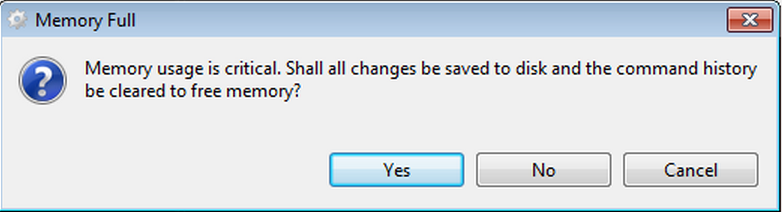
If you click "Yes" the tool tries to free up memory by saving the project and cleaning the undo history.
Clicking "No" skips this step and the triggered action is executed anyway.
"Cancel" aborts the triggered action.
If the cleanup of the undo history does not free enough memory for the action or if you have clicked "No", the memory might still not be sufficient and may lead to an exception. medini analyze will bring up another warning dialog.
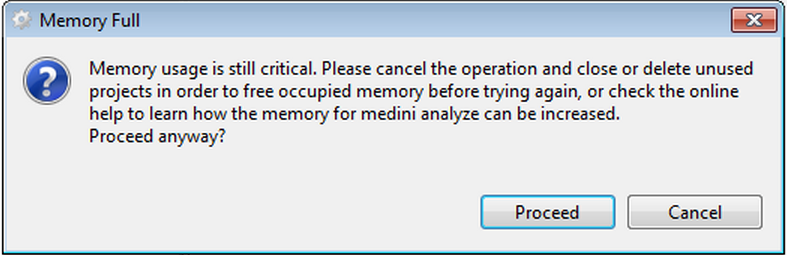
Clicking "Proceed" will most likely end up with an exception and is not recommended.
You may need to change the memory available to medini analyze. Note that medini is by default configured to use at maximum 80% of the total memory. You can however change that value by editing the configuration file, usually located at:
"C:\Program Files\ANSYS Germany GmbH\mediniAnalyze\mediniAnalyze.ini"
Either
change the option -XX:MaxRAMPercentage or change it to the following option to
set a fixed amount of memory:
"-Xmx8G"
where the number in the option denotes the amount of memory medini analyze can use. Please note that if the memory specified here is not available, the tool will not start at all.
If this does not solve your problem, please contact medini analyze support.