


Browse to the AEDT project folder location and find folder *.aedtexport.
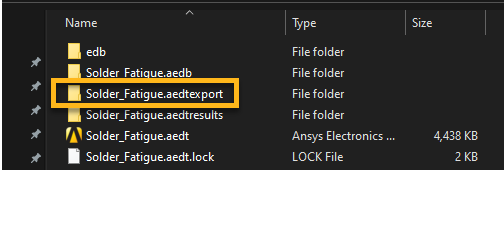
Open the *.aedtexport file and locate the .tmap file which can be imported into Sherlock for mapping temperatures.
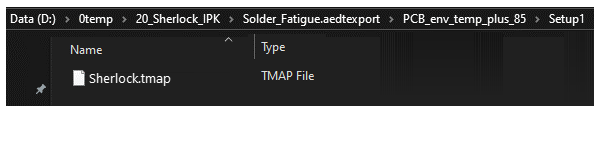
Rename this file to env_temp_plus_85.tmap.
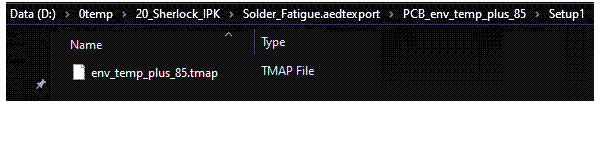
Keep these two files ready to be imported in Sherlock:
env_temp_plus_85.tmap
env_temp_minus_55.tmap