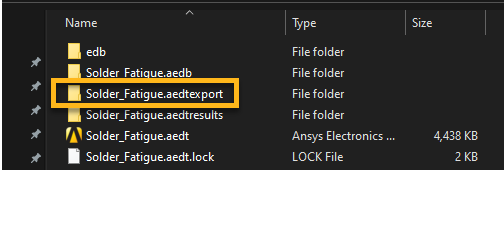
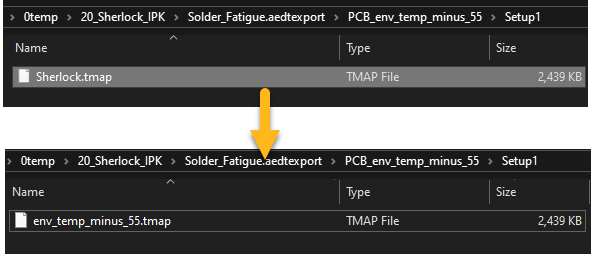
Contents Chapter 3: Icepak: Setting Up the Thermal Simulation | Print page 3.13. Verify the Exported .tmap FileBrowse to AEDT project folder location and find folder *.aedtexport. Inside the *.aedtexport folder, locate the .tmap file which can be imported into the Sherlock for mapping temperatures. Rename this file to env_temp_minus_55.tmap. « 3.12. Verify the Solution Convergence and Thermal Results 3.14. Create a Copy of the Icepak Design »