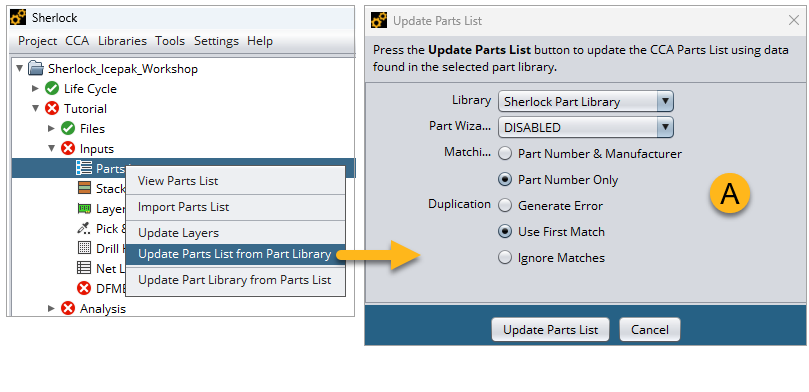
Once the Sherlock project is created, update the Parts List from the Part Library: Right-click the Parts List in the Project Tree and click Update Parts List from Part Library in the context menu. Using the options shown below (A), click the button.
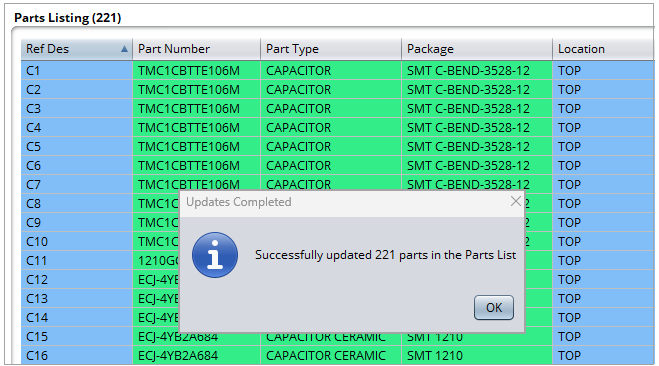
When the update is complete, confirmed entries in the Parts List are shaded green. Click to continue.