38.8. Run the Simulation

The solution settings and parameters are already defined by the unpacked archive (.tzr) file. If desired, open the Basic parameters and Basic settings panels to review them. Also, three monitor points are also already defined. If desired, review in the model tree in the Points folder.
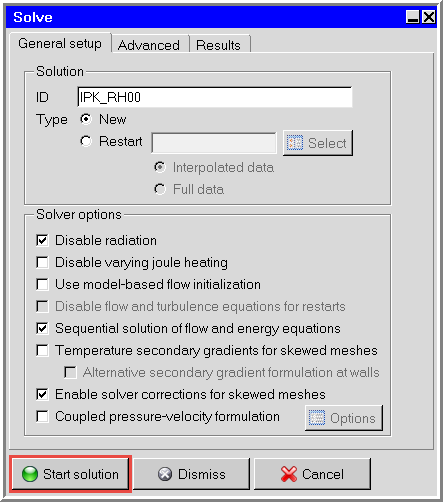
  1. From the Solve menu, select Run solution to open the Solve panel.

    Figure 38.26: Solve Panel

    Solve Panel


    Note:  Sequential solution of flow and energy equations speeds up forced convection problems.


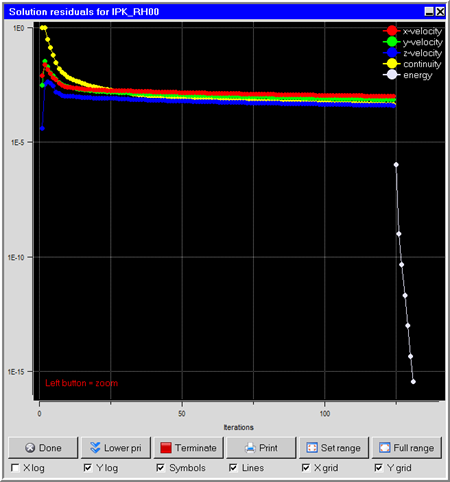
  2. Click Start solution to run the simulation.

    Figure 38.27: Solution Residuals Panel

    Solution Residuals Panel

    Figure 38.28: Monitor Panels

    Monitor Panels