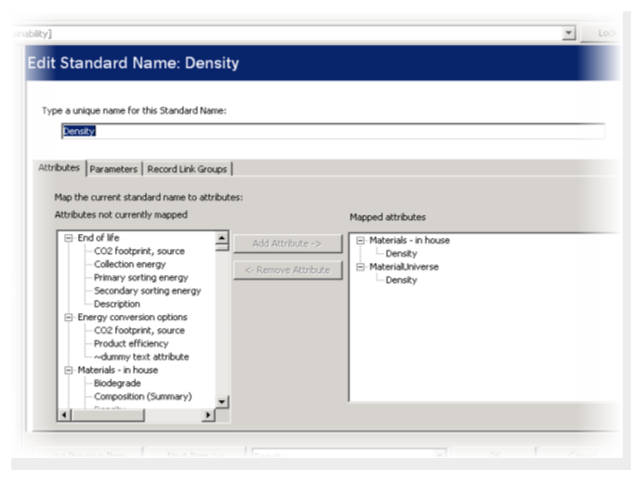
For any material attribute that is written to the host application, the appropriate
standard name must be defined, and all attributes that represent that property must be
mapped to it. For basic material assignment in CAD and PLM Gateways, the only standard name
mapping required is Density.
To configure standard name mapping:
-
Open MI Admin, and define the standard name in the database schema.
-
For each material table in the database, map the attribute that represents the
property to the standard name you have defined.
-
Repeat for any other standard names that you need to map.
For CAD material assignment using a default exporter, and for CAE material
model assignment or import, the standard names required by the exporter
should be defined in your database as part of the exporter authoring
process. For more details, see the Granta MI Material Card Exporter Author
Guide.
Note: If you want to use host part or host material attribute mapping to write
additional attribute values to the host application on assignment or import,
you must ensure that standard names are configured for those attributes.