Exercise 1: Opening a database
Explore the databases in Granta Selector and browse the tables and subsets within them.
When you start Granta Selector (after checking out licenses, if applicable), the Databases window will appear. All available databases are displayed. The following exercises use the MaterialUniverse and ProcessUniverse tables, which are always included with Granta Selector.
When you select a database name in the Databases window, the database homepage then appears. Hover over a data module to see the data tables it contains. For example:

Click the More information on data and usage link to see a detailed description of a data module.
-
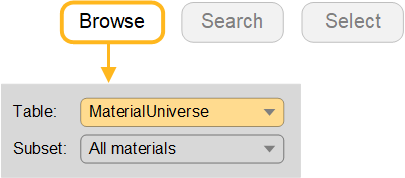
Change to the MaterialUniverse table
With the Homepage closed, navigate to different tables using the Table list in the Browse window.