Moving an index line

Reposition a selection line to adjust the selection properties or update the display.

To move an index line:

  • Drag the line to its new location on the chart.
To position an index line at a specific point on the chart:
  • Right-click the line, then click Properties. Click to see the Line Properties dialog
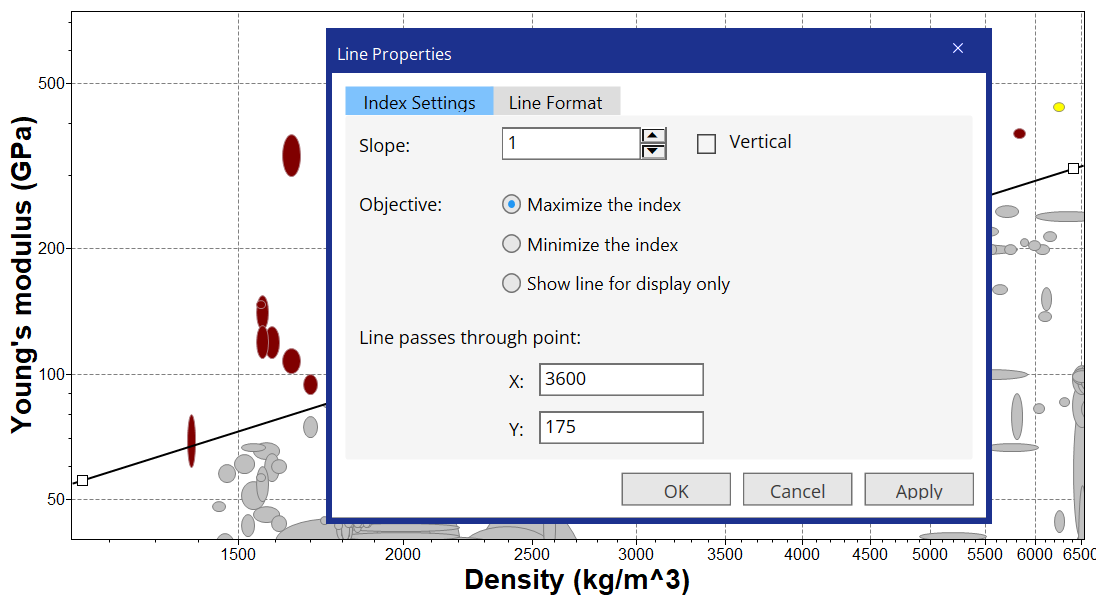
  • Under Line passes through point, enter the x- and y-value of the point through which the line should pass.
  • You can click Apply to see the result in the chart.
  • Click OK to save your changes and close the Line Properties dialog.