


Adding a text label to a chart
Text labels are used to add custom text to a chart.
In the Chart Stage window:
-
Click
 Text label on the
Chart Stage toolbar.
Text label on the
Chart Stage toolbar.
-
To move the label, drag and drop it to its new location.
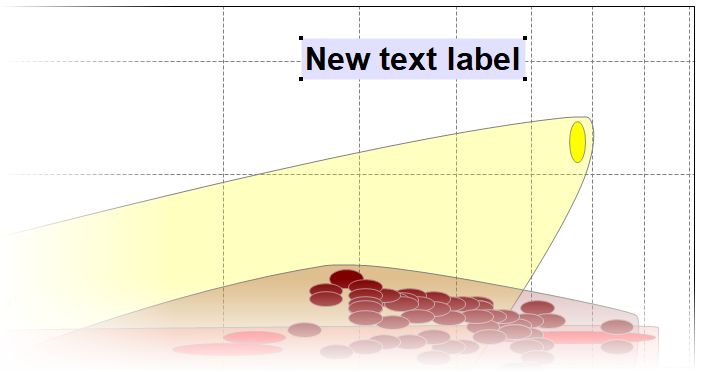
Figure 1. A chart with a text label added.