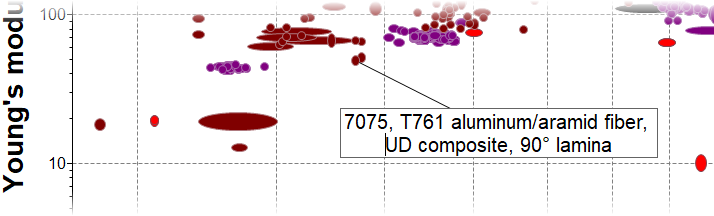
Editing a label

Edit text or font, add a border or background, or add a line break to a text or record label.

To edit the label appearance:
  • Right-click the label and select Format label to edit the appearance, font, and label settings.
To edit the label name:
  • Right-click the label and select Rename. If a record label is renamed, then the new name will apply to other new labels for the same record on all other charts within the same project. This is useful for adding specific tradenames to frequently-used material labels.
To add a line break to a long label:
  • Right-click the label and select Rename.
  • Move the text cursor to where you want to add the line break.
  • Press Shift+Enter.