


Adding a data label to a chart
Data labels are used to display the name of a record or a material family on a chart.
To produce a label on a chart:
-
Drag and drop it to its new location.
The tooltip for a data label displays the data values for the record.
This setting only applies to bar charts and bubble charts.
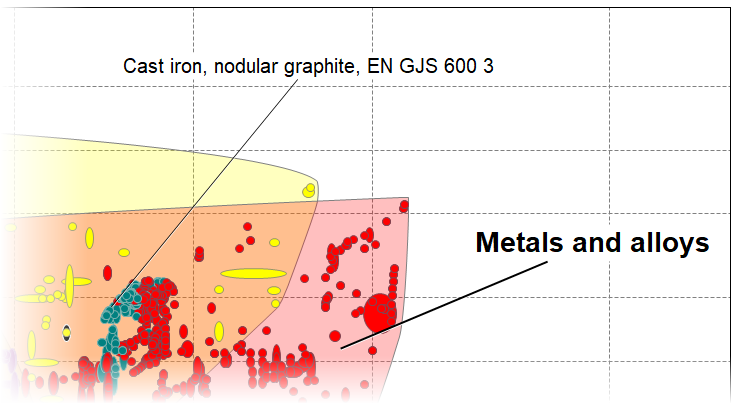
Figure 1. A chart with two data labels, displaying a record name and a family envelope name.