The Component Libraries Window
Use the Component Libraries window to search for and select schematic components that are available in the installed libraries. The Component Libraries window contains a Components tab and a Search tab.
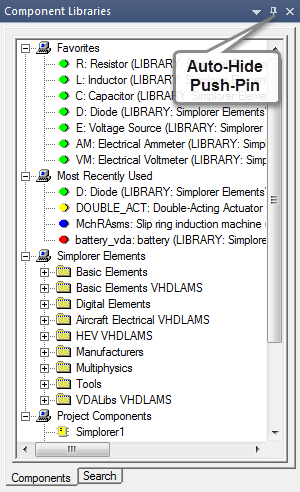
A typical Component Libraries window is shown below. Your actual window contents will vary with the libraries installed and with use.
Auto-Hide Feature
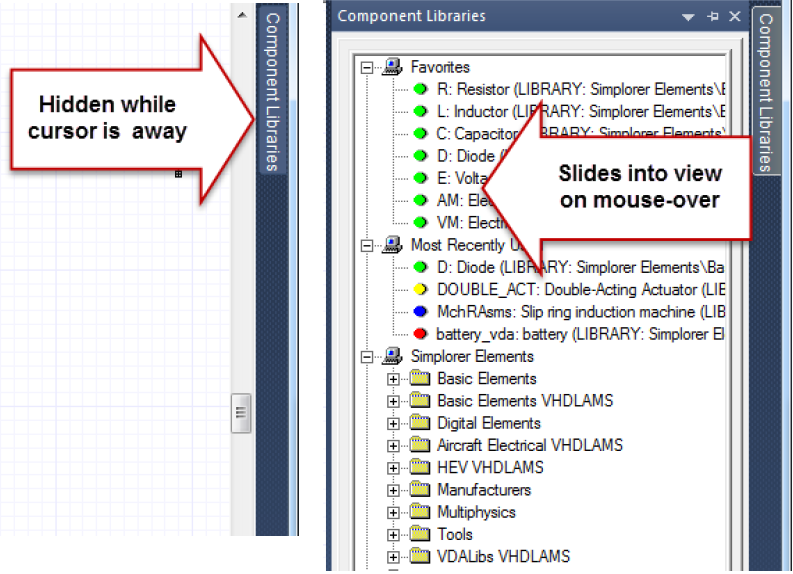
Click the auto-hide push pin in the upper right corner of the Component Libraries window to toggle auto-hide. When auto-hide is enabled, the Component Libraries window slides out of sight and a Component Libraries label appears on the edge of the main window. Place your mouse pointer over the label to display the window.