
Using the Via Wizard
Traces are separate conducting lines that make up an important part of the PCB layout.
Vias consist of a hole cut in the PCB to route a trace vertically from one layer to another, as well as the vertical pieces of conductor that make connections between layers. If a via is too big, it does not have sufficient room to route signal traces. If vias are made smaller, more traces can be drawn.
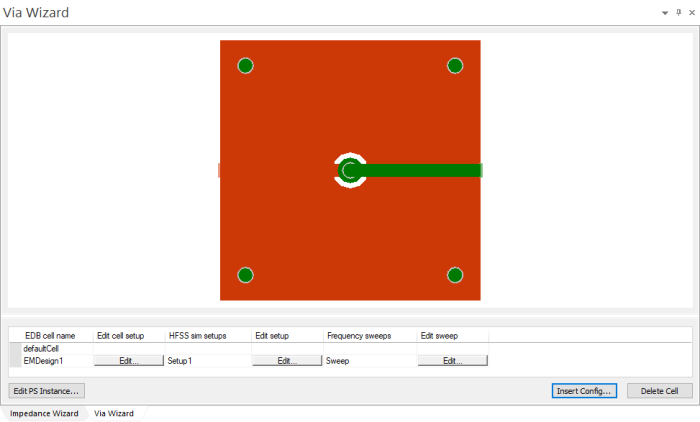
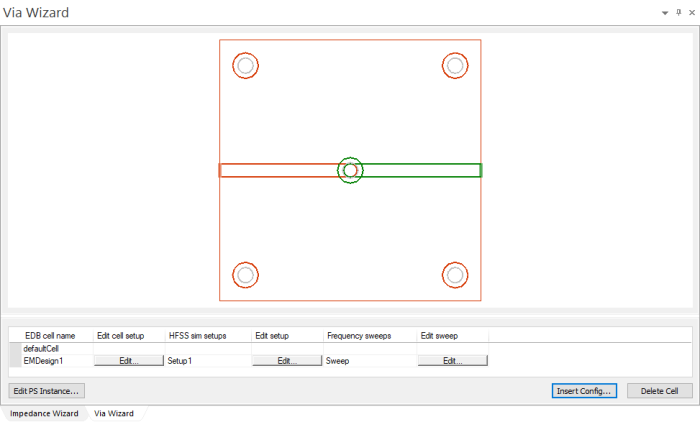
The Via Wizard pane allows you to configure and visualize via breakouts.
|
The process for using Via Wizard generally follows these steps:
- Configure padstacks
- Configure vias and visualize via breakouts
- Add backdrills, if appropriate
- Set the design up for HFSS simulation, if appropriate
- Post-process results in Network Data Explorer