HFSS 3D Layout Design Settings
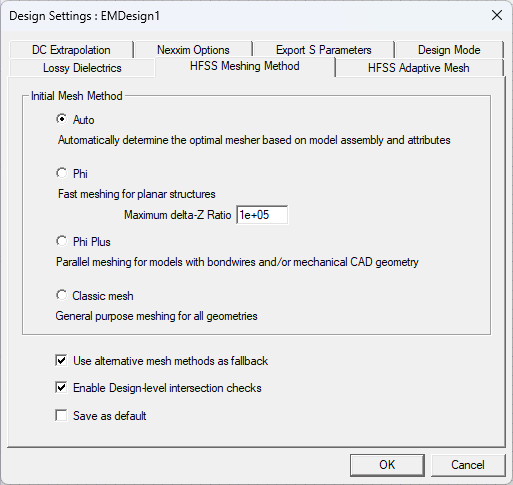
From the HFSS 3D menu, select Design Settings to display the Design Settings window for the active design. The Design Settings window has seven tabs:
- DC Extrapolation
- Nexxim Options
- Export S-Parameters
- Design Mode
- Lossy Dielectrics
- HFSS Meshing Method
- HFSS Adaptive Mesh
Note:
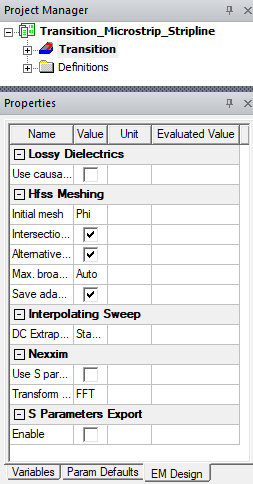
Selecting [Active Design Folder] in the Project Tree also displays Design Settings in Properties window under EM Design tab.