
Viewing the Phase Animation
When you have finished computing resonant modes, you can view the phase animation.
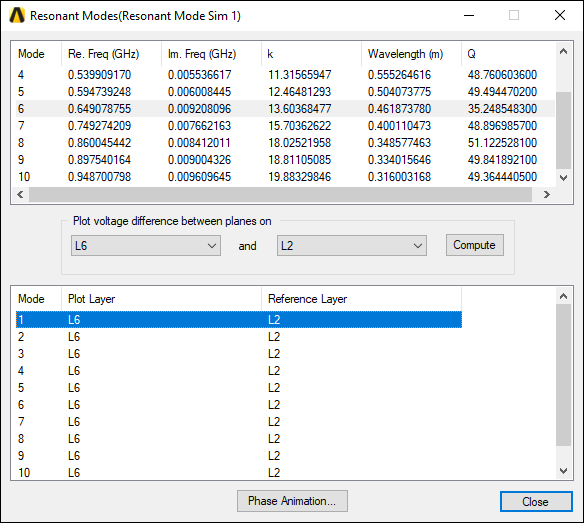
To view the phase animation:
- Click Phase Animation.
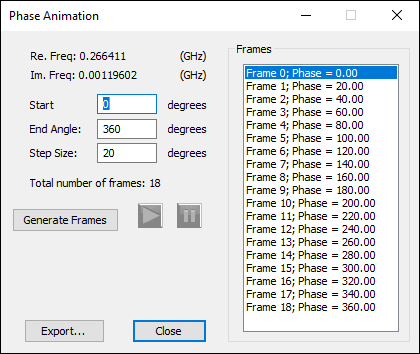
- Enter an appropriate Start Angle, End Angle, and Step Size, in degrees.
- Click Generate Frames.
The frames are generated according to the values entered, and appear in the Frames area.
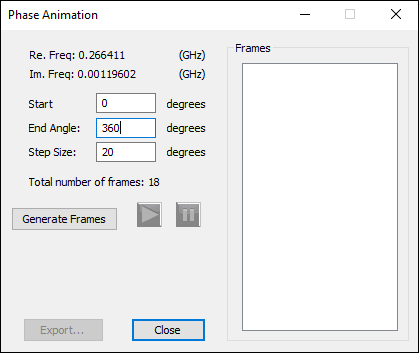
The Phase Animation window appears.
To view the frames as an animation in the Modeling workspace:
- Click Play (
 ) to begin the animation.
 - Click Pause (
 ) to stop the animation.
 - Click Close to exit.
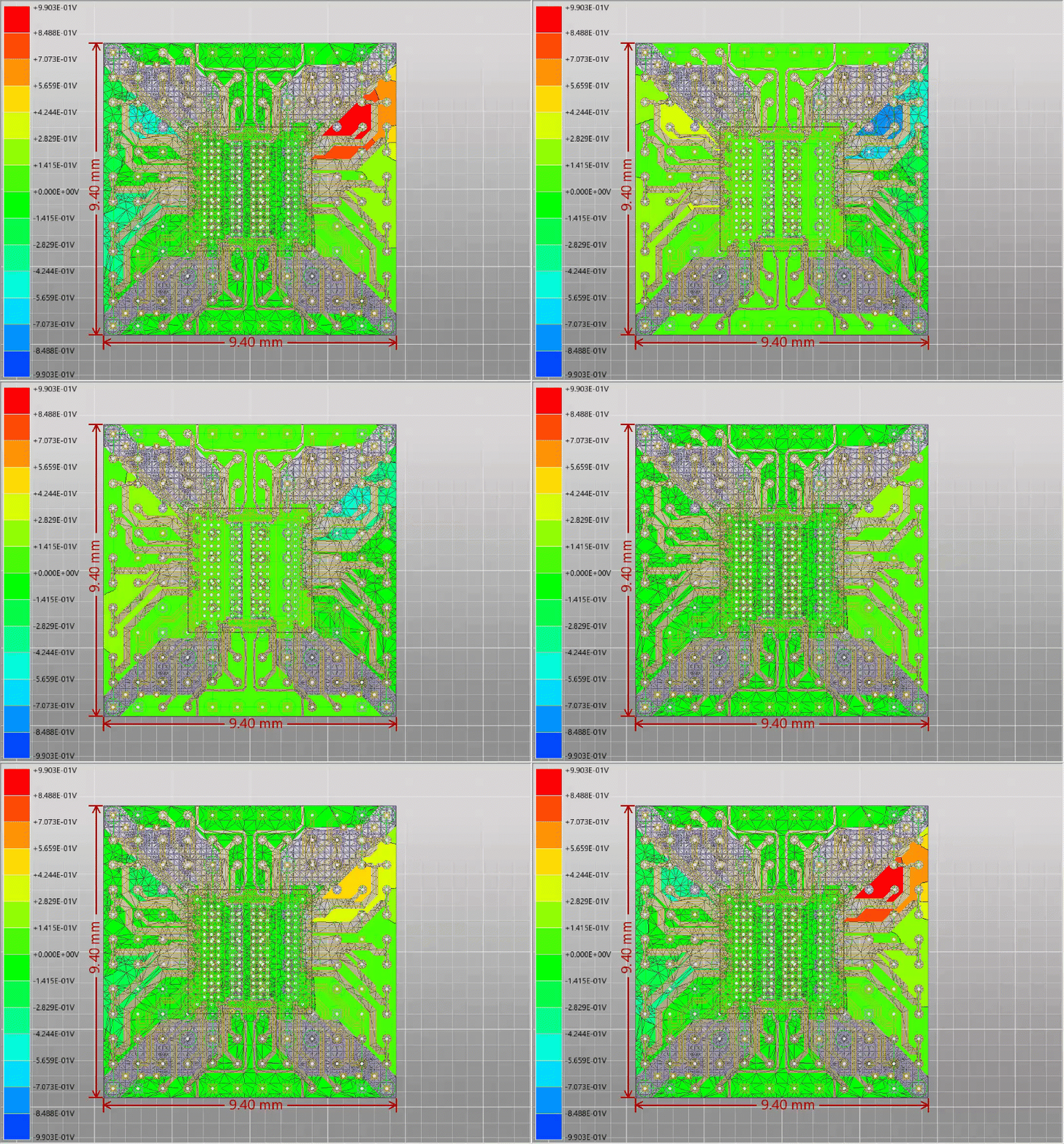
You can also export the animation to an *.avi or *.gif file.