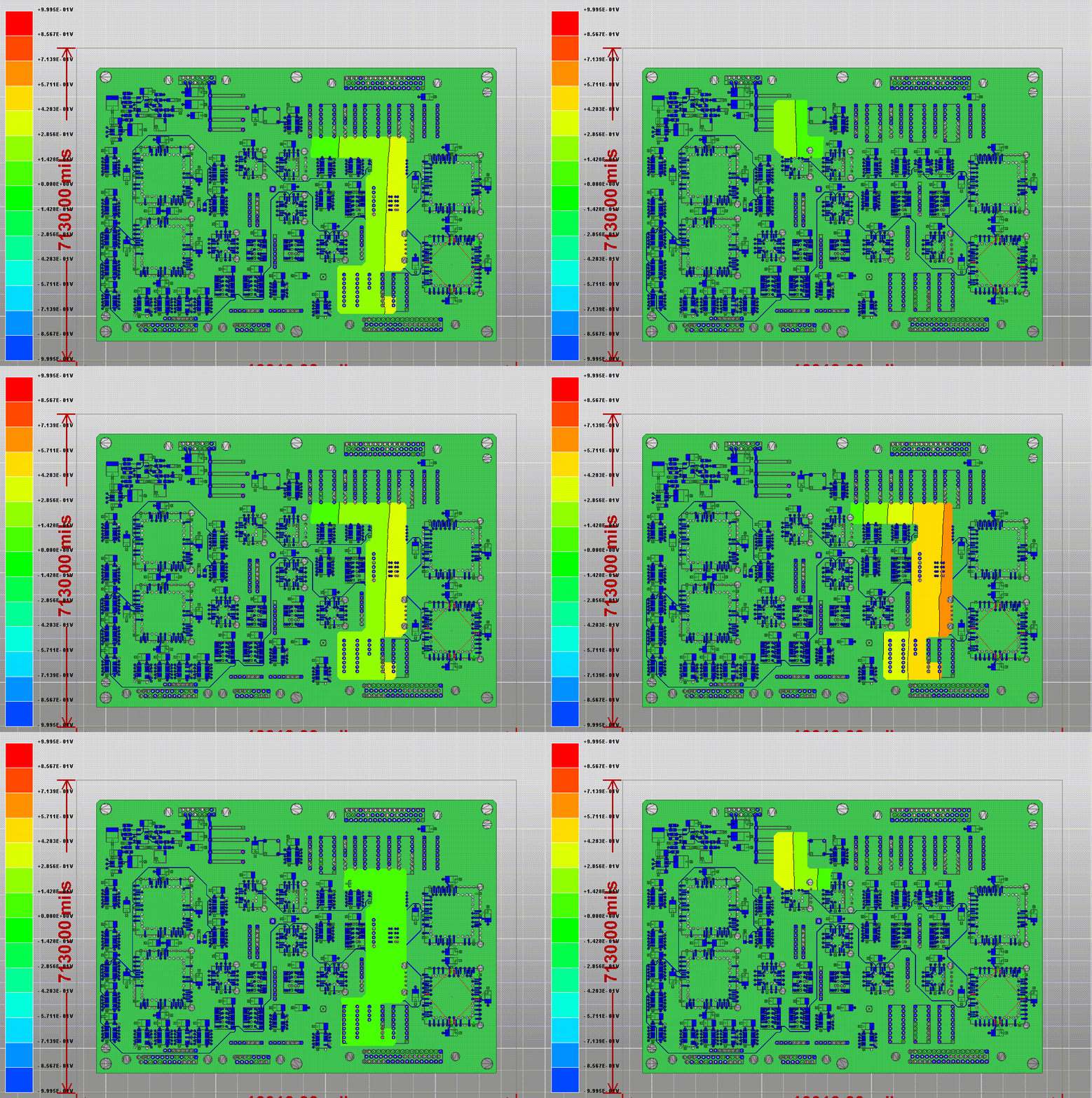
Exporting the Phase Animation
From the Phase Animation window, you can export an *.avi or *.gif of the resonant modes analysis.
To export the animation from the Phase Animation window:
- Click Export.
- Select a file name and location.
- From the Save as Type drop-down menu, select either GIF Animation Files (*.gif) or Audio-Video Inteleave Files (*.avi).
- Click Save.
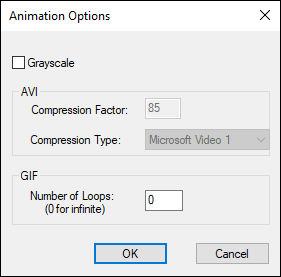
- To replace colors in the file with 256 shades of gray, check the Grayscale check box. Grayscale animations use less memory than full color animations.
- For .avi files:
- Specify the Compression Factor.
- Use the Compression Types drop-down menu to select from the following: INTEL Indeo, Cinepak, Microsoft Video 1, or None.
- For .gif files, specify the number of times you want to play the animation in the Number of Loops box. The default (0) loops indefinitely.
- Click OK.
The Animation Options window appears.
The animation is exported to the specified format.