Viewing Impedance vs. Delay Plot
To view the characteristic Impedance vs. Delay plot:
- Open the Signal Net Analyzer.
- Use the Display drop-down menu to select Impedance Delay Plot.
- Use the Ctrl or Shift keys to click on a path in the plot area.
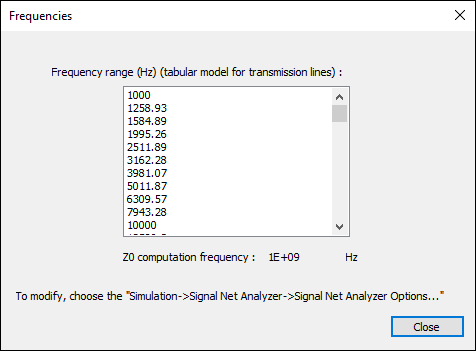
- To view the plotted frequencies, click Frequencies.
Note:
The Impedance Delay Plot is not a Time-Domain Reflectometer (TDR), so the delay in the plot is the one-way delay (not the 2x delay you would see with a TDR). With SNA, you get an accurate characteristic impedance Z0 for each segment without multiple reflection.
The Frequencies window appears showing the frequency range. If needed, you can modify these frequencies, but you must exit the Signal Net Analyzer to do so.