
Network Data Explorer
The Network Data Explorer provides visualization, analysis, and manipulation tools for network data.
To access Network Data Explorer:
- Click Tools.
- From the S-Parameter Tools area, click Network Data Explorer.
Note:
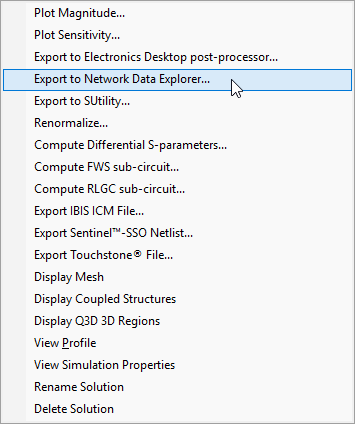
If you have already performed an SYZ sweep, you can also access the Network Data Explorer from the Results window.
To do so, right-click the SYZ results and select Export to Network Data Explorer.
The Network Data Explorer window appears.
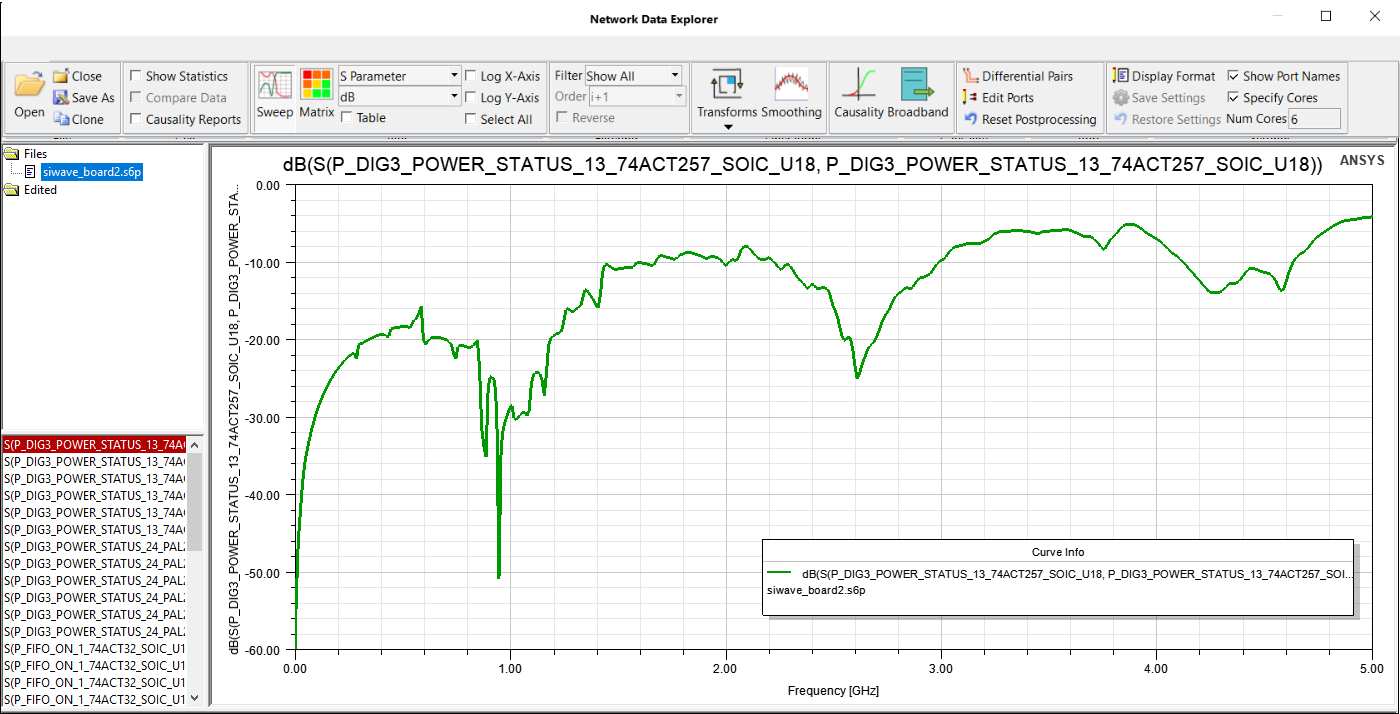
Network Data Explorer topics include: