
Plotting EM Fields Overlays in Q3D Extractor
In order to view EM Fields overlays, you must first create an EM Fields report.
Once you have added an EM Fields report, you can overlay it on your design:
- In the Project Manager, right-click Field Overlays > CG Fields > EM Fields.
The Overlay EM Fields window appears.
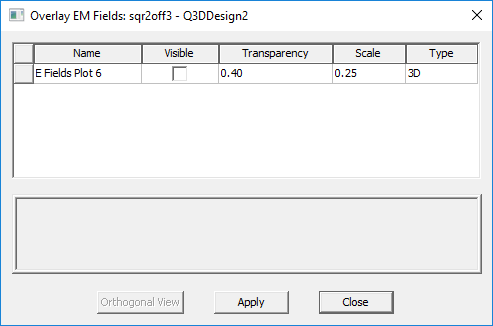
- In the Visible column, select the check box next to the EM Fields report you wish to overlay.